

September 15, 2026
Lumion View has been discontinued as a separate product and evolved into Axogram.
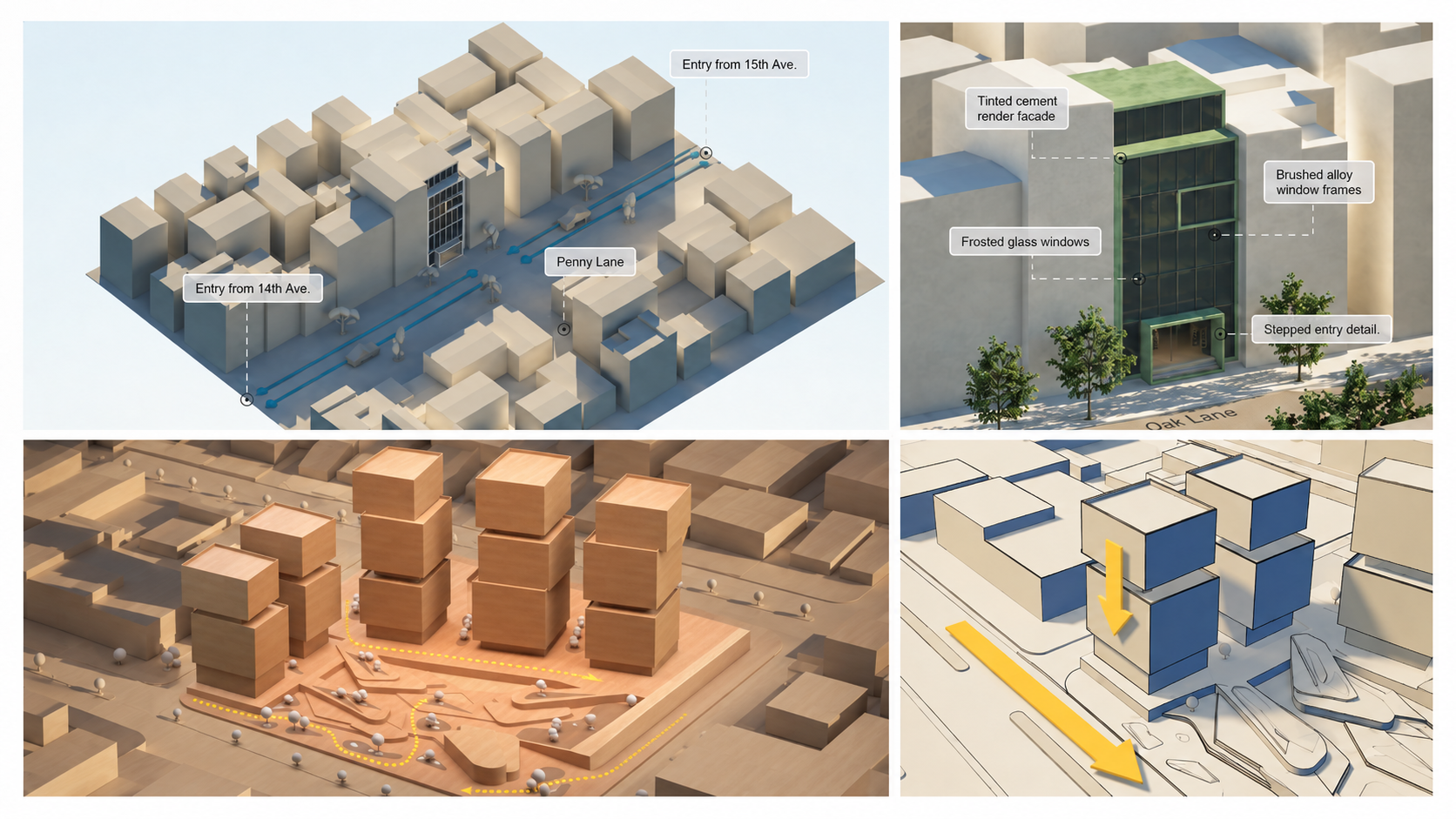
Everything that was available in Lumion View is also available in Axogram. It keeps the same live model workflow but adds more tools for architectural diagramming, including saved %%Diagrams%%, Diagrammatic %%Styles%%, material overrides, %%Annotations%%, %%Icons%%, %%Flow Lines%%, %%Zones%%, and %%3D Text%%.
This means no one is losing the Lumion View experience. We are simply moving to a more complete tool designed specifically for creating and communicating architectural diagrams.
This article explains what is changing, who receives Axogram access, how to download it, and how Axogram relates to Lumion %%LiveSync%% and Lumion Pro.
What has changed:
| Before | Now |
|---|---|
|
Lumion View provided live visualization inside the CAD or BIM workflow. |
Axogram includes the Lumion View functionality and adds a complete set of tools for creating and updating architectural diagrams. |
|
Lumion View could be downloaded and purchased separately. |
Lumion View direct downloads have been removed, and it is no longer available for new purchases. |
|
Lumion View controls were included in the %%LiveSync%% toolbar. |
Axogram is a separate plugin. %%LiveSync%% is focused on synchronizing your model with Lumion Pro. |
Who gets access to Axogram?
Axogram is available through the following access options:
| Account or Subscription | Axogram Access |
|---|---|
| Existing Lumion View user | Axogram (Paid version) access is included |
| Existing Lumion Studio subscriber | Axogram (Paid version) access is included |
| Axogram Free | Includes up to 5 saved Diagrams, output up to 2K, and a watermark. |
| Paid Axogram subscription | Unlocks the full feature set and removes the watermark. |
Axogram uses a freemium model rather than a time-limited %%Trial%%. If you move from Axogram Free to the paid version, you purchase a paid license. There is no separate upgrade process. Both licenses may remain visible in your %%Lumion Account%% after purchase.
How to access Axogram
See this article:
- Knowledge Base:
How do you download and access Axogram?
To learn more about what Axogram is and how it works, see this article:
-
Knowledge Base: What is Axogram and how do you get started?