

Resources: Tips and Guides:- Guide
Increase your understanding and skills of Lumion.
In the Guide:
Lumion Website: Tips and Guides: A quick guide to generating architectural drawings with the clipping plane tool [May 04, 2026]
Date: May 04, 2026
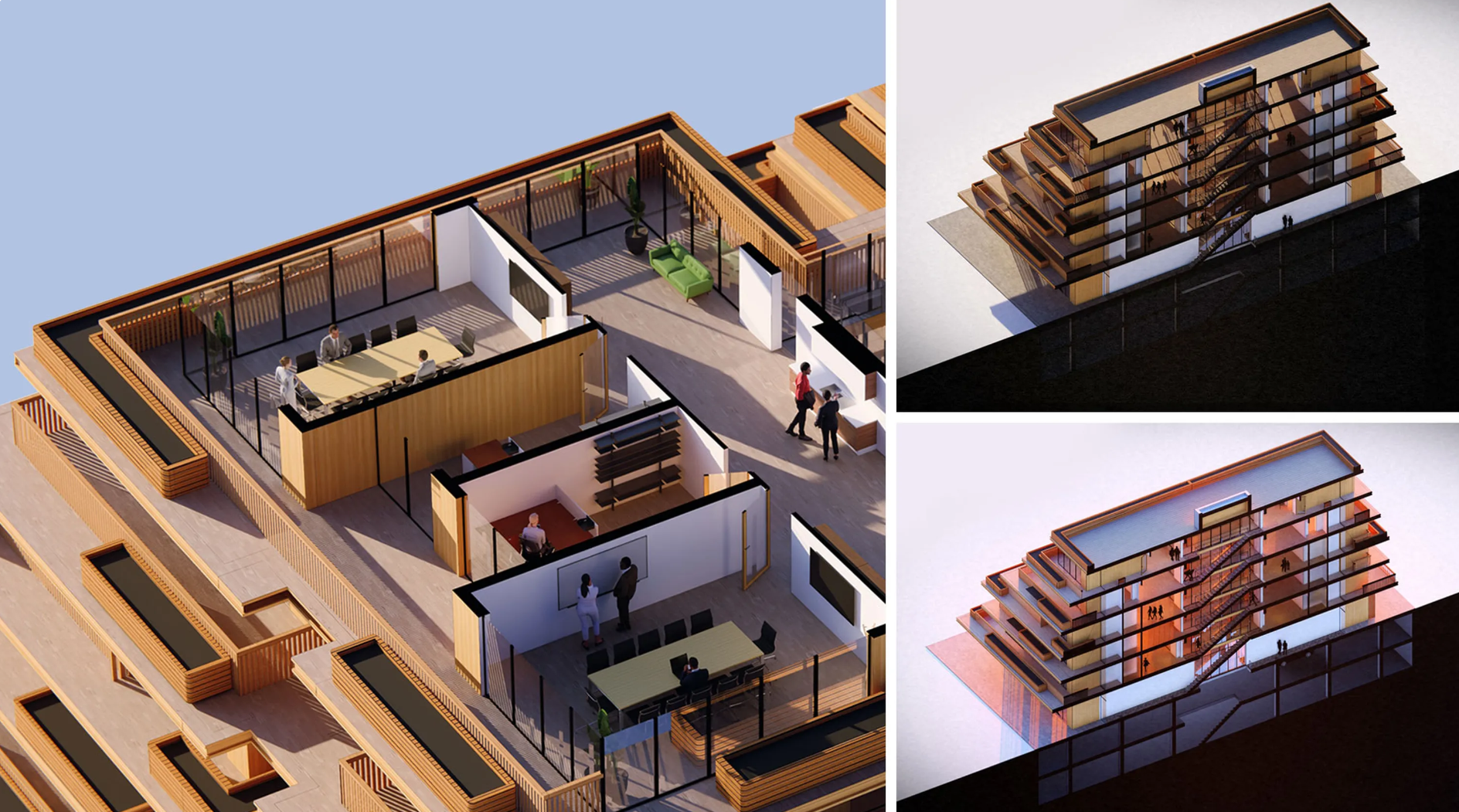
- Use Clipping Planes to create clean sections, floor plans, and elevation views directly in Lumion Pro.
- Control exactly which models and layers are clipped to keep important context visible.
- Add solid or material-based fills to produce clearer architectural presentation drawings.
- Combine multiple clipping planes to create advanced cutaway and dollhouse-style visuals.
- Use Lumion effects and styling tools to produce presentation-ready outputs directly from the render.
"Sometimes, the most important part of your design isn’t what’s on the surface; it’s what’s inside.
Clients need to understand not only the beauty of a building, but how it works and functions. With the Clipping Plane tool in Lumion Pro, you can quickly slice through a model to create crisp, clean sections, floor plans, and elevations that help you communicate your design’s intent with confidence.
And the best part? You can style them beautifully, without losing clarity. With this handy tool, you can generate clear architectural drawings right inside Lumion Pro, without having to export a render and patch things up elsewhere.
New to Lumion Pro? Start a free trial and try the Clipping Plane tool for yourself.
Here’s our quick guide to using the Clipping Plane tool."
Want to see more Tips and Guides?
- Knowledge Base [Resources]: Other posts in the Series: Tips and Guides