

Resources: Tips and Guides:- Rendering Tip
Increase your understanding and skills of Lumion.
In the Guide:
Lumion Web site: Tips and Guides: Everything you need to know about Lumion View for Revit [Oct 01, 2025]
Date: October 01, 2025
- First thing's first.
- Step 1 Launching Lumion View for Revit.
- Step 2 Syncing cameras.
- Step 3 Working with 2D plans.
- Step 4 Applying materials.
- Step 5 Sectioning and isolating.
- Step 6 Adding artificial lights.
- Step 7 Capturing sun studies.
- Step 8 Creating quick diagrams.
- Step 9 Rendering in 4K.
- Step 10 Connecting to Lumion Cloud.
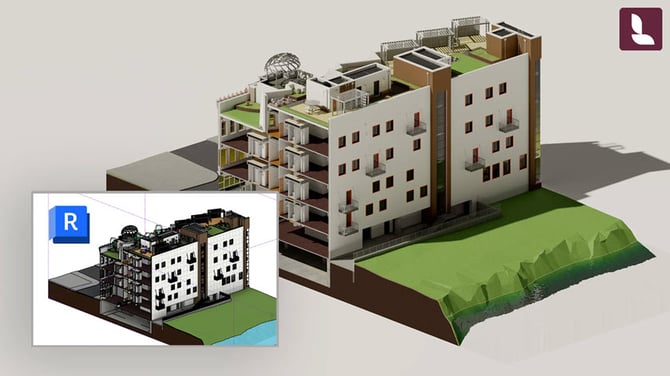
"In this step-by-step guide, we’ll show you how to get the most out of Lumion View for Revit's main features, from syncing cameras and working with sun studies to selecting a visual style and rendering 4K images.."
Want to see more Tips and Guides?
- Knowledge Base [Resources]: Other posts in the Series: Tips and Guides