

Resources: Tips and Guides:- Guide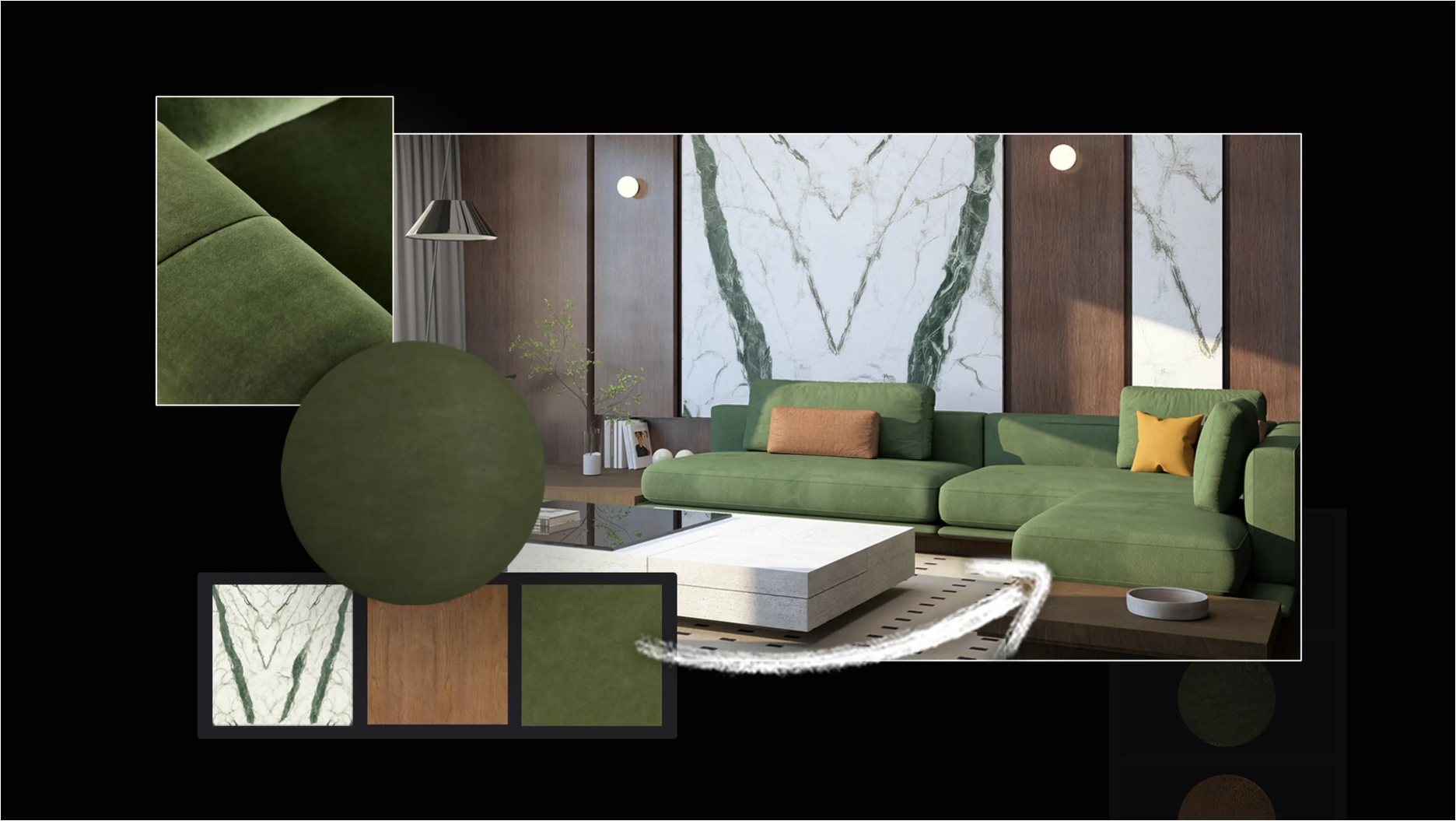
Increase your understanding and skills of Lumion.
In the Guide:
Lumion Website: Guide: How to turn a referenced image into a PBR material with Lumion Cloud [Mar 26, 2026]Date: Mar 26, 2026
-
Uploading a reference image to Lumion Cloud
-
Refining surface details and material settings
-
Generating PBR material maps
-
Save and download PBR maps
-
Import and apply your material into Lumion Pro
"The AI PBR Material Generator makes it easy to turn project references into custom materials you can bring straight into Lumion Pro. Whether you’re matching real-world context, responding to client input, or exploring new ideas, it’s a faster way to create materials that fit the work.
And it’s just one part of Lumion Cloud. Included free with every Lumion plan, Lumion Cloud brings together visual collaboration tools, native uploads from Lumion Pro and View, powerful AI image upscaling, and free content packs—all in one place."
Want to see more Tips and Guides?
- Knowledge Base [Resources]: Other posts in the Series: Tips and Guides