


1. How to Search:
1.1: Using Search:
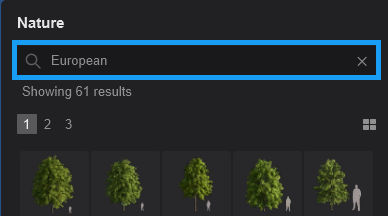
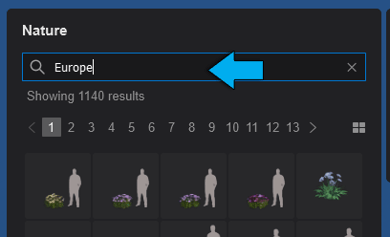
Search using a text string typed in the Search field.
The searching is dynamic, meaning that as you type, it will search.
1.2: Special search phrases:
1.2.1: These special search phrases/strings can be used from Lumion 2023 or newer:
For example, typing "L25", "L25.0" or "new" (includes all new models for your version) will include all for version 2025.

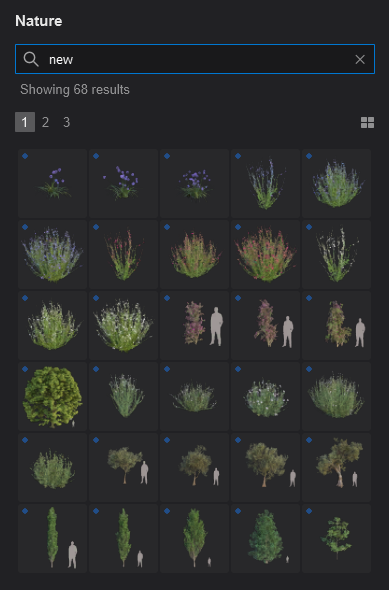
Tip: The same applies to earlier Lumion 2024 and 2023.
Exclude the quotation marks.
For example, for all Nature in the 2025 major version Update, type in: L25

1.2.2: For models added in Updates (including the major version of 2025.0.0):
For example, for Lumion 2025: "L25.0", "L25.1", "L25.2", depending on what minor version numbering is used.

1.3: Special keywords:
The search function will also filter Objects when using the following keywords:
-
ContinentPeopleAttributesSeasonAsiaCasualBooksShovelSpringEuropeBusinessBagCrateSummerAfricaUniformCoffee Mug & BagCoffee MugFallAmericaAdultCoffee Mug & PhoneTravel BagsWinterOceaniaChildLaptop HeadphonesPhone & Travel bagNotepadLaptop & Phone
1.4: Exact Match word search:
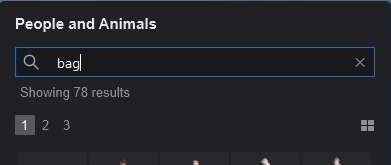
You can also use search words to be an Exact Match search.
For example, you can have a more specific word search by including the quotation marks or using the built-in Tags (see below). For example:

2. Search using Tags:
You can also click on the Tags for any model to add or remove the Tag search phrase from the Search.
2.1: Add one or more Tags:


2.2: Remove a Tag:
If the Tag is already in the Search, then clicking on it again will remove it.
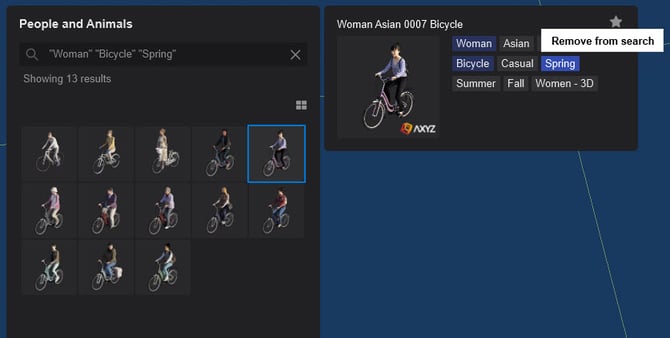
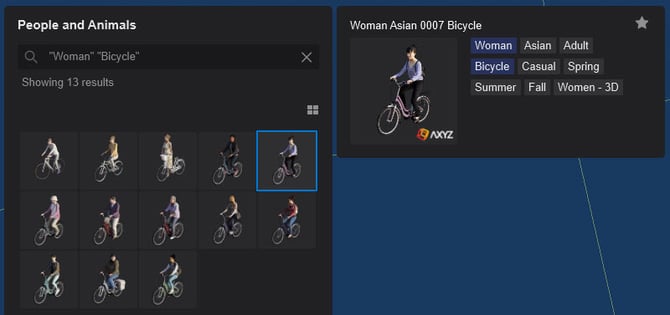
2.3: Additional Tag searching using hotkeys:
2.3.1: #CTRL#+ #L-CLICK#: the clicked Tag will replace the whole search string:


2.3.2: #SHIFT#+#L-CLICK#: will add the clicked Tag to the search string as a negative search parameter (i.e. will exclude the items with the selected Tag from the search):


3. Vendor Search:
3.1: You can also Search using the Tags for the Vendor of the model
This can be useful to get all the SpeedTree-related models, or 3D People characters by AXYZ, or models by Evermotion, among others.

Note: Where the information is available.
See Also:
-
Knowledge Base: Which content is available in the Model & Material Libraries in Lumion 2026?
-
Knowledge Base: Which content is available in the Model & Material Libraries in Lumion 2025?
-
Knowledge Base: What Models/Objects are in the Lumion Library 2025? Gallery
-
Knowledge Base: What Models/Objects are in the Lumion Library 2025? Search Table