

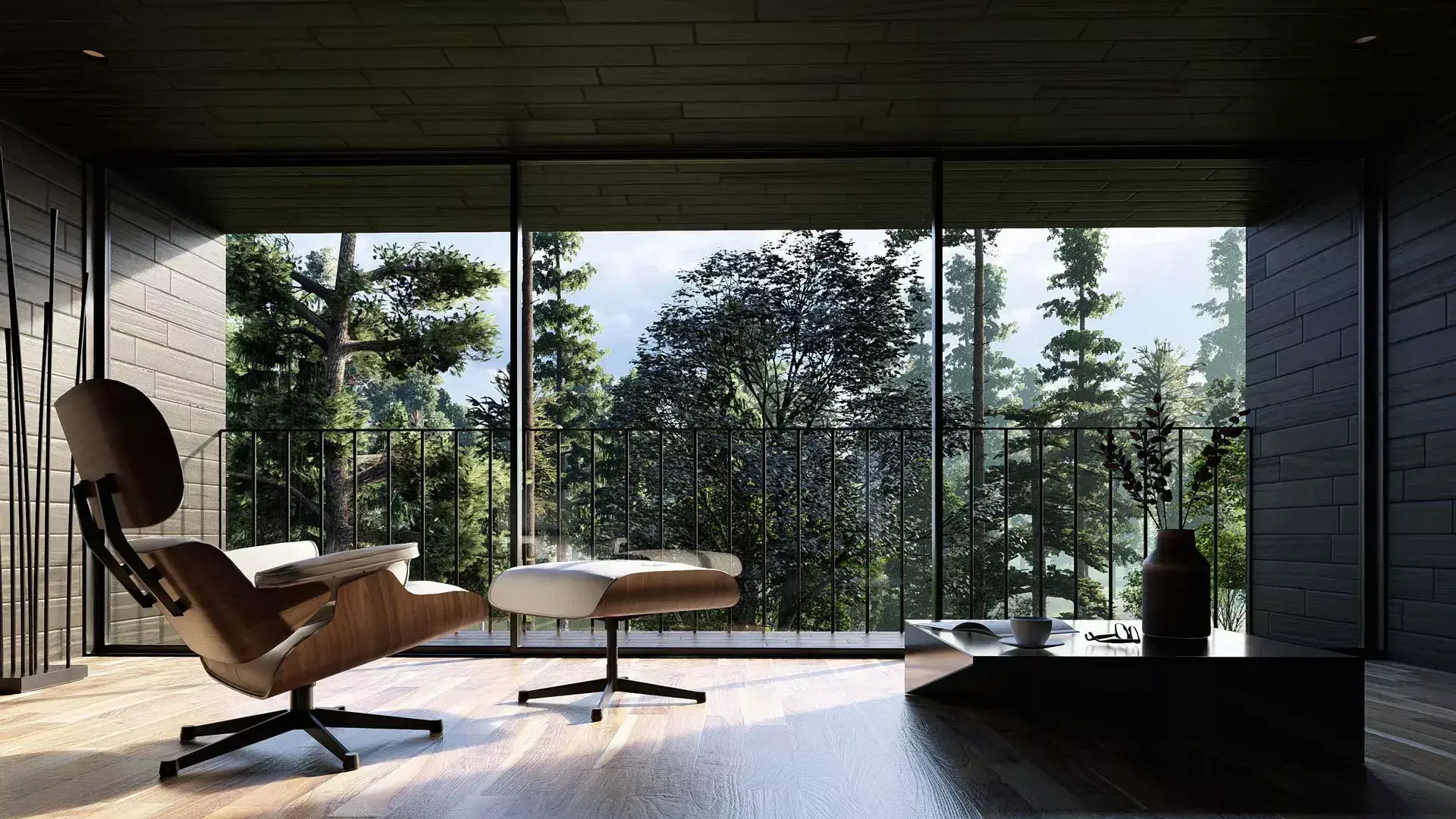
 Model and Scene designed by Kenta Miyakawa, 2023 Competition winner
Lumion is designed to be intuitive and easy to learn, whether you are completely new to architectural visualization or already experienced with rendering software. But although learning Lumion’s features is straightforward, mastering architectural visualization takes practice.
Rendering is both a technical skill and a creative process. The more you experiment with composition, materials, lighting, effects, and storytelling, the more confident and effective your results will become.
At the moment we do not offer formal training courses or instructor-led programs, However, our comprehensive learning resources (found below) are designed to support self-guided learning from your first project through more advanced techniques, all at your own pace. If you need additional assistance, you can also reach out to Lumion Support channel or ask questions within the Lumion Community.
You may also contact your local Lumion Partner to ask whether they know of any local organizations or professionals offering instructor-led training.
Getting started
Below you will find the different resources available to help you learn Lumion:
3. Learning to use Keyboard Shortcuts
1. Built-In Tutorials
You can start to learn Lumion by either play-and-practice and/or by using the Built-In Tutorials. These are guided, step-by-steps included in Lumion, covering the essentials. Here's how to access them:
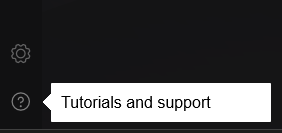
Start Lumion, then, from the Welcome to Lumion screen, click on the Tutorials and Support (question-mark) button - bottom left of the Main Menu Toolbar to begin your Built-In Tutorial journey:
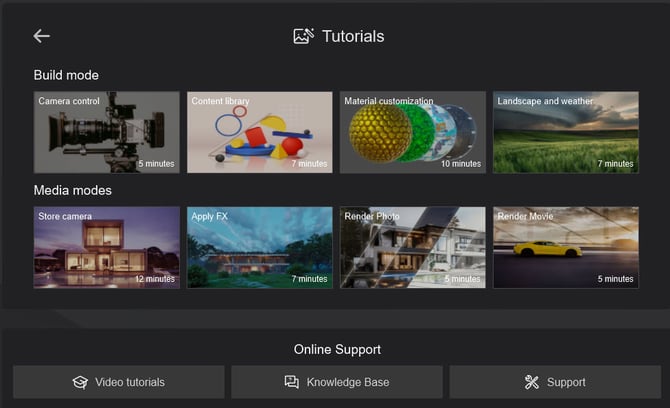
Below is a list of the topics that are currently available:
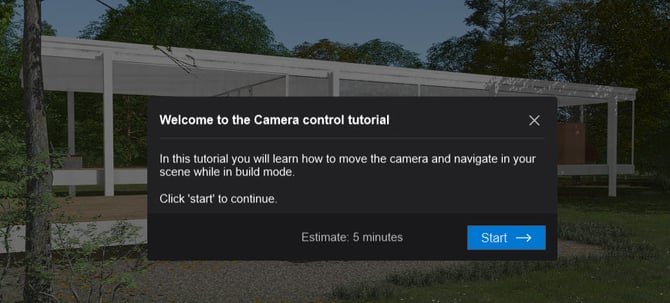
Tutorial 1: Camera Control
Tutorial 2: Content Library
Tutorial 3: Material Customization
Tutorial 4: Landscape and Weather:
Tutorial 1: Store Camera
Tutorial 2: Apply FX
Tutorial 3: Render Photos
2. Example Projects
We have nine multiple Example Projects that you can open and learn from.
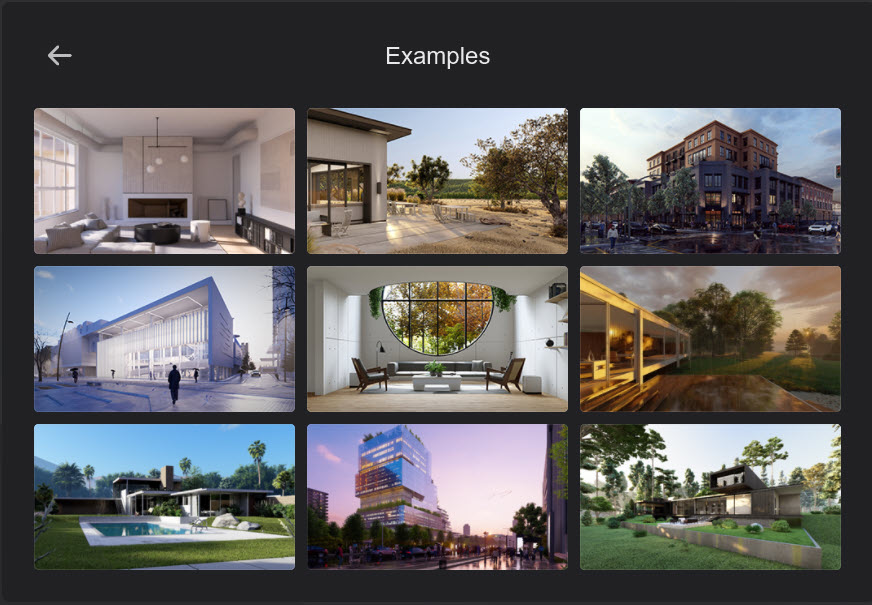
Load each of the Example Projects to see how the Scene is put together and how the different Modes provide easy tools for making static renders, animations, and 360 Panoramas.
In Photo Mode learn how easy it is to render by simply clicking on the Render button.
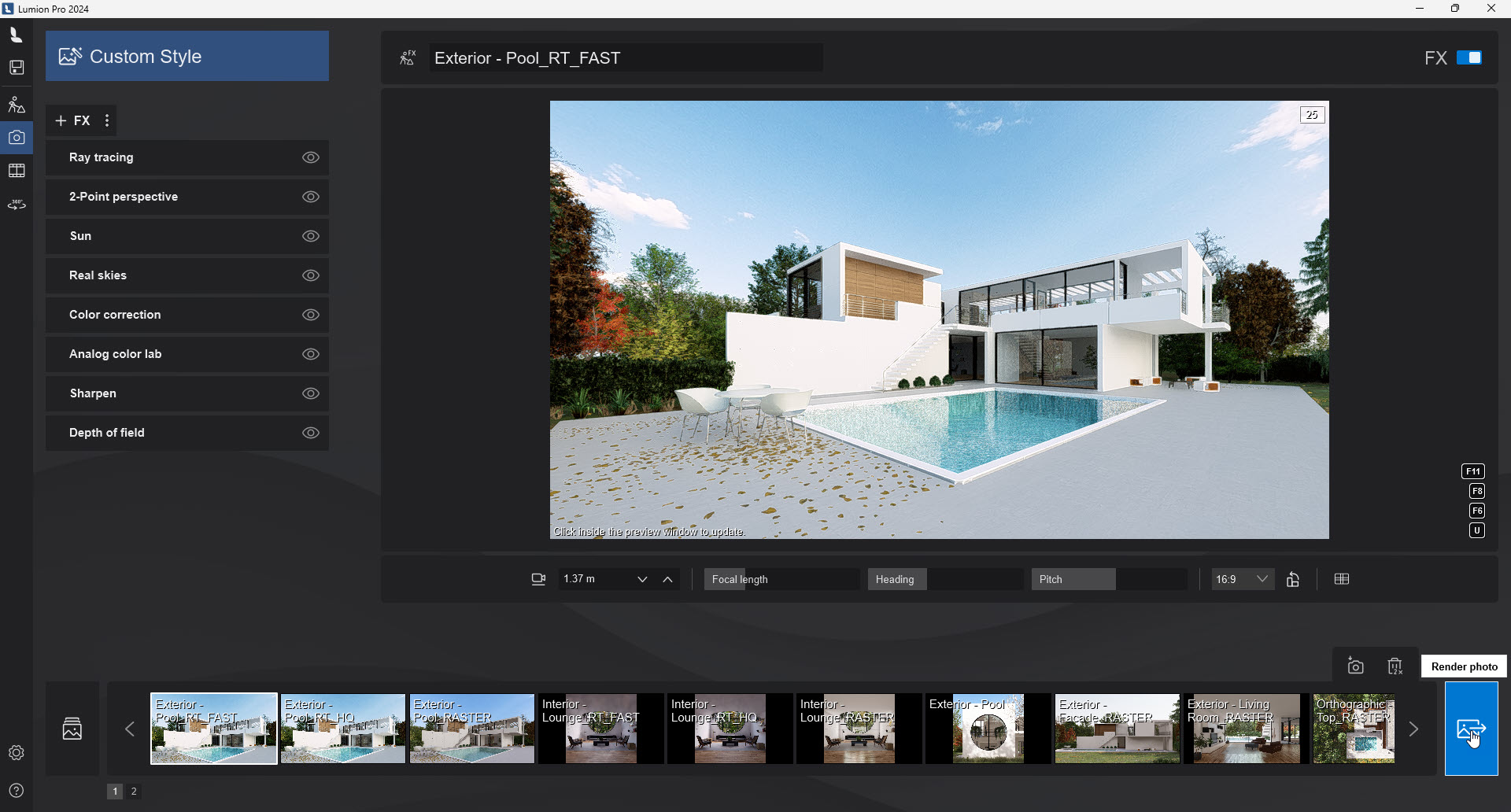
Note the layout and placement of objects. Note the use of Effects, both Custom Effects and the use of Styles in the Effect Stack to control how the final render will look.
You can even make use of them in your Projects by using them as templates (excluding the design model), as a layout, or for re-using the Effects Stacks.
3. Learning to use Keyboard Shortcuts
It's always good to learn some of the ways to use the keyboard for shortcuts and navigation. Lumion makes extensive use of the keyboard to make things quicker for you.
- Knowledge Base: Keyboard Shortcuts
4. Learning Pathways
The following guides are your umbrella to the features in Lumion. They also contain useful links to our Knowledge Base articles that go into more depth on a feature.
Each will give you a simple, clear overview and discuss briefly the types of things you can do in Lumion.
- Learning Pathways: Introduction to Lumion
Follow this article to learn about the core functionalities of Lumion, the overall workflow, and other essential topics. Ideal for those looking to quickly grasp what Lumion is all about. - Learning Pathways: Importing and Working with 3D Models
Learn all about importing from your 3D modeling software and explore everything you can do with models in Lumion. - Learning Pathways: Materials Workflow
Learn all about Materials in Lumion and how to make the best out of all the available settings to enrich the look and feel of textures in your Projects. - Learning Pathways: Content Library
The ever-growing library of optimized models streamlines your Project development with quick access to a diverse range of elements, from Trees and Plants to Furniture, Decoration, Vehicles, and People.
This article provides a concise overview of Lumion's Library items (Objects) and offers a technical exploration of the available tools for placing and organizing them.
(more on the way)
5. Video Tutorials
Lumion offers an extensive collection of official video tutorials covering everything from the essentials to more advanced features and techniques.
We recommend starting with our seven-part onboarding series, which introduces the Lumion workflow and guides you through the essential steps for creating your first visualization:
-
Onboarding: From Model to Render
For more detailed guidance, you can also explore our tutorials by topic below:
These overview videos cover the whole Lumion workflow basics and some of the latest features in a given version.
|
|
|
|
|
|
|
|
All about how to export, bringing in your models and managing them in Lumion.
|
|
|
These tutorials cover the basics on setting up lighting, reflections, and shading for different environments.
|
|
|
|
|
Learn about the different types of Library assets included in Lumion and how to work with them.
|
|
|
|
|
These cover everything about rendering Photos and Movies, as well as adding Effects and Styles.
All about Lumion's Landscape tools and controls.
|
|
|
You can also access some of the YouTube tutorials made by others. The following (although they are unofficial) are suggested:
- External Link: Nuno Silvas tutorials and an online course for Lumion.
- External Link: Upstairs.
- External Link: The Lumion Collective by Adam Ingram.
- External Link: Architecture Inspirations
- External Link: Luminous Labs by Greg Miles.
- External Link: CWeltonDesign
6. Lumion Blog
Learn practical tips, creative techniques, and real-world workflows through the Lumion Blog. New articles are published regularly, so check back often for the latest insights and inspiration:
-
Lumion Blog: Tips and Guides
- Lumion Blog: Made with Lumion
7. Knowledge Base
Use the Knowledge Base to provide deep learning on specific features and solutions. You can search for topics or use the structured sections to find answers to common questions and problems.

Enjoy learning and using Lumion!