

1. Uninstall through Windows' "Add or remove programs"
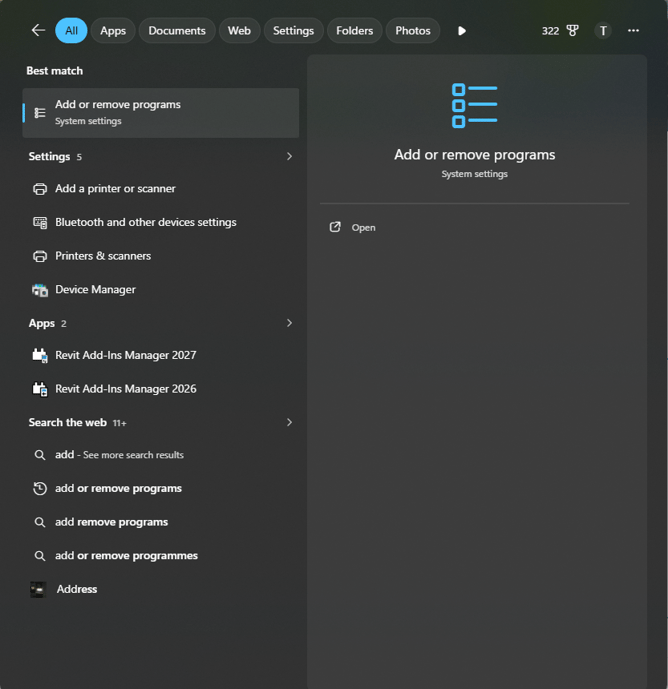
1.1. Search for "Add or remove programs" in your taskbar:
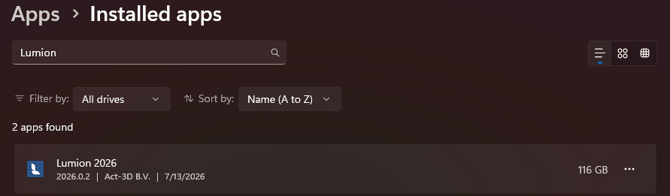
1.2. Search for Lumion:
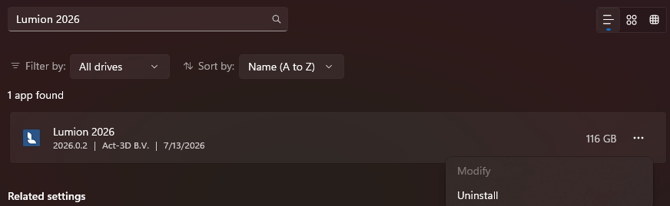
1.3. Click on the three dots and select "Uninstall":
2. Uninstall through the Lumion uninstaller.
2.1. Go to your Lumion installation folder (usually C:\Program Files\Lumion 2026):
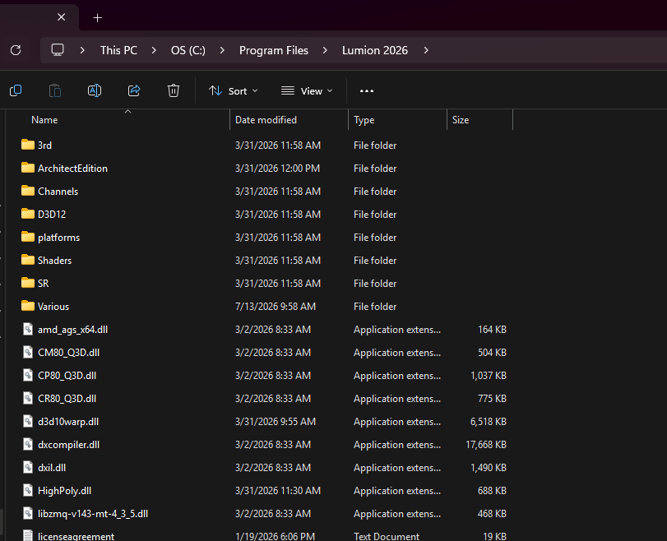
2.2. Click on the Uninstaller: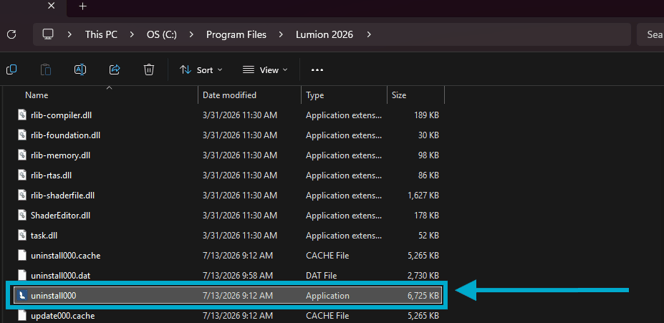
3. Via silent uninstall:
-
Knowledge Base: How do you install or uninstall Lumion silently?
In case none of the above troubleshooting helps you resolve the problem, please contact us via our official support system and attach a Diagnostics Report file:
- Knowledge Base: How do you provide a Diagnostics Report?