Lumion View Plugins for Revit 2026+ (Win) Releases
Current Version: 2026.0.4
May 20, 2026: Release 2026.0.4
- Added support for Autodesk Revit 2027, which also adds new functionality, including animated water in live view, along with refinements and fixes that improve stability and consistency.
Menu:
Introducing Lumion View Plugins for Revit
Lumion View is a lightweight yet powerful visualization tool that runs directly in your 3D modeling software, which includes Lumion LiveSync as an all-in-one plugin.
Offering a fast real-time view, customizable Lights, Styles, and enhanced Materials controls, it makes design exploration effortless and enjoyable, helping shape, test, and present concepts with speed and creative freedom.
For a full overview of Lumion View, see this starter article:
- Knowledge Base: Getting Started with Lumion View for Revit: an Introduction
These Knowledge Base sections cover both Lumion View and specifics for the Revit edition:
- Knowledge Base: All About Lumion View
- Knowledge Base: Lumion View for Revit
Lumion View comes included in Lumion Studio and can also be purchased separately. Learn more below:
- Lumion Website: Discover Lumion View
2026 Release Notes:
1. Improvements
- LiveSync: Added support for Revit 2027
1. Improvements
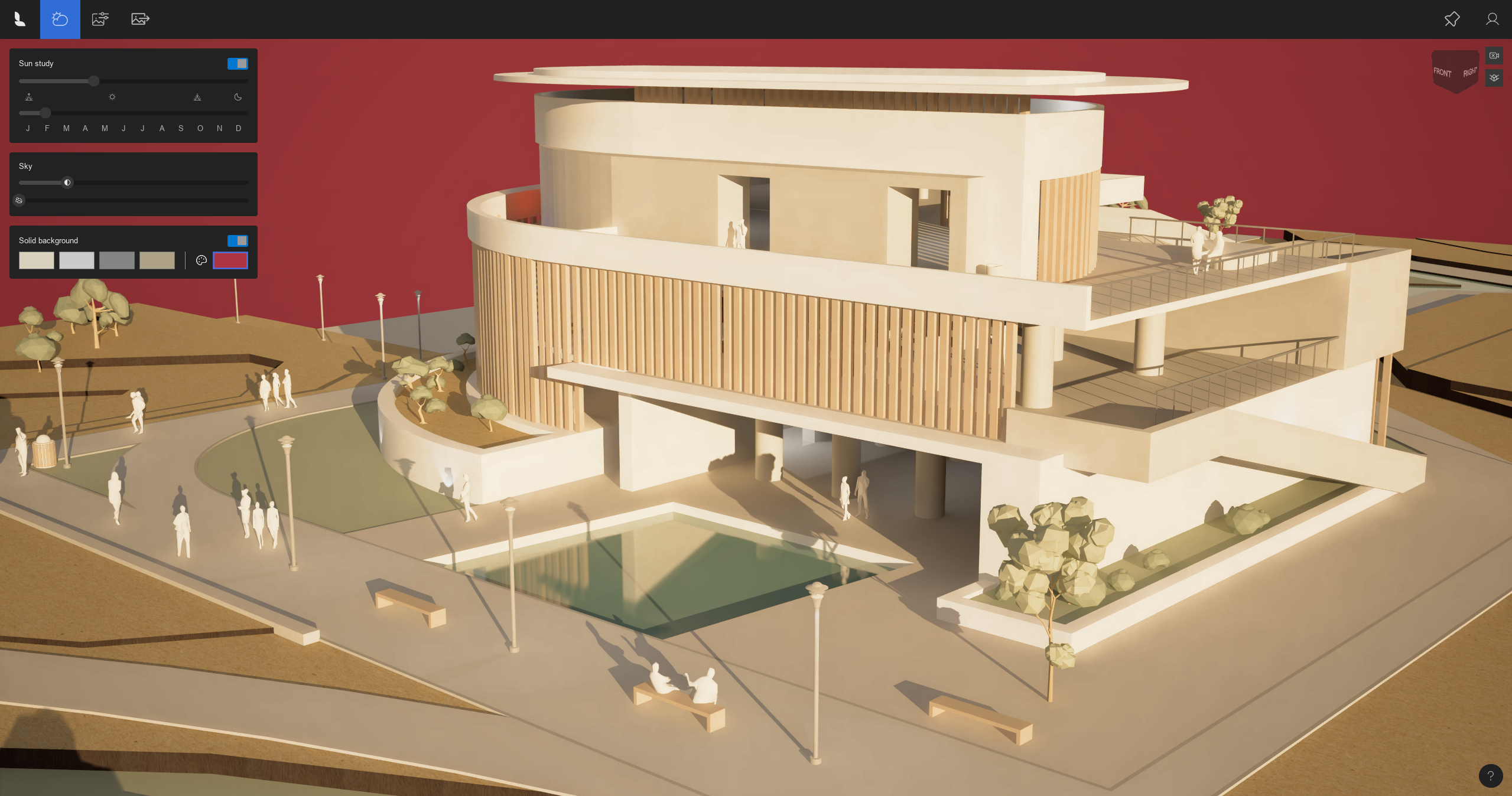
- Color Picker: Expanded the Color Picker tool, allowing for more precise color selection and added eyedropper functionality to sample colors from any pixel on the screen.
- Water / Environment: Added dynamic water surfaces - water is now animated in live-view
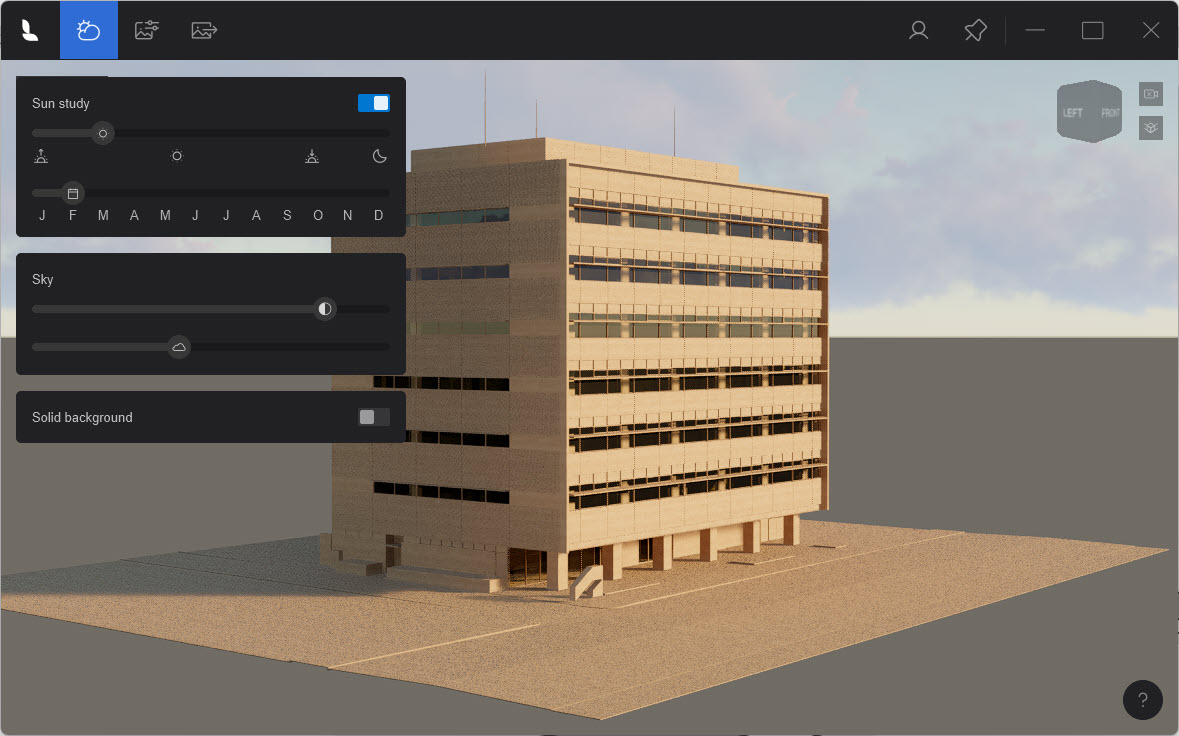
- Background: Removed the ground plane in Solid Background Mode, providing seamless, uniform background in the scene
- Rendering: Added render area preview. When selecting an aspect ratio for Render to File, the UI now displays a clear preview of the exact framing.
2. Fixes
- User Interface: Fixed an issue where UI elements would overlap or disappear when the application window was resized to its minimum dimensions.
- Color Picker: Resolved a conflict where typing numerical values into the Color Picker would inadvertently trigger camera movement shortcuts.
- Camera: Fixed a bug that caused visual artifacts to appear during camera movement while in Orthographic Mode, ensuring a clean and stable image.
- Camera: Fixed a bug where moving the time slider too quickly resulted in unnatural sky gradients. Transitions are now smooth and visually accurate regardless of slider speed.
The Lumion Plugin for Revit:
This release is part of the Lumion Plugin for SketchUp, which includes LiveSync for Revit and Lumion View for Revit.
Compatibility
| Software | Version |
| Revit (Win) | Revit 2022-2027 |
| Lumion | Lumion 12.0 and newer |
System Requirements
- Knowledge Base: Lumion View for Revit (Win): System Requirements
Download and Installation
- Knowledge Base: How do you get Access and Install Lumion View for Revit (Win)
- Knowledge Base: Download Lumion LiveSync and Lumion View single plugin for Revit
License-related Information
- Knowledge Base: Lumion View Account and License Management