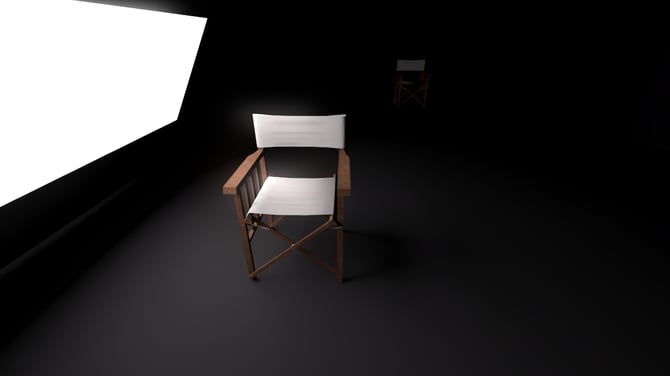
An Emissive material is capable of emitting light (and shadow) when used in Lumion 2023 and newer and rendered with Ray Tracing.
This article is in support of this main article on Emissive lighting:
- Knowledge Base: How do you Manage the Emissiveness of a Material [for Lighting]
As noted in the main article, Emissive light has the following features:
- Soft.
- Short‑range.
- Surface‑based.
- Not as strong as Spot/Omni/Area Lights.
It is physically accurate, but not as powerful as other artificial lights. And importantly, not as powerful as Direct light - Sun, in orders of magnitude.
Emissive Light Example
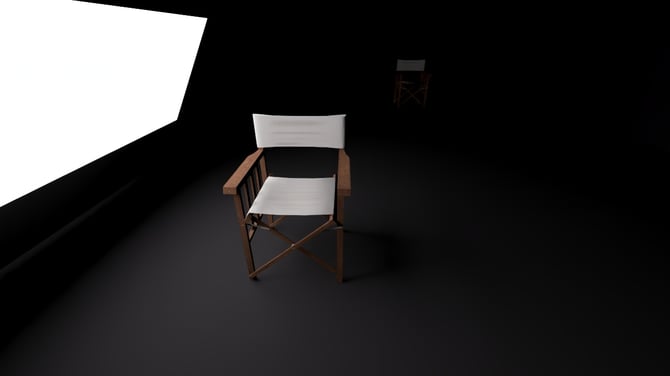
A black-box interior Scene is created. The PBR material is not 100% absorbent black, so will react to light. An Emissive surface with 5,000 Nits (17,130 Lumens) is used and matches the Lumens for Brightness value for the Spot Light and OmniLight. That's very strong, 50% of the maximum in Lumion of 10,000 Nits, i.e. 34,260 Lumens.
1: The Emissive Material, Ray Traced, Samples 16, Bounces 1:
The surface itself is very bright, expected.
The space it lit. The object - chair and the surrounding walls and floor are lit from the light cast from the Emissive Material.
Some of the lit surface is from global illumination - the 1 Bounce in the Ray Tracing Effect.
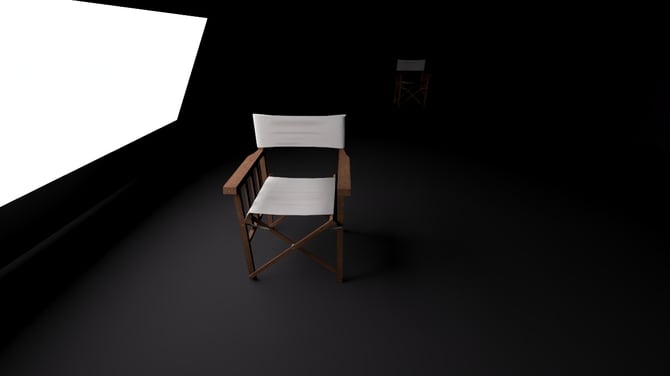
2. Compared to a Spotlight (Light Source enabled):
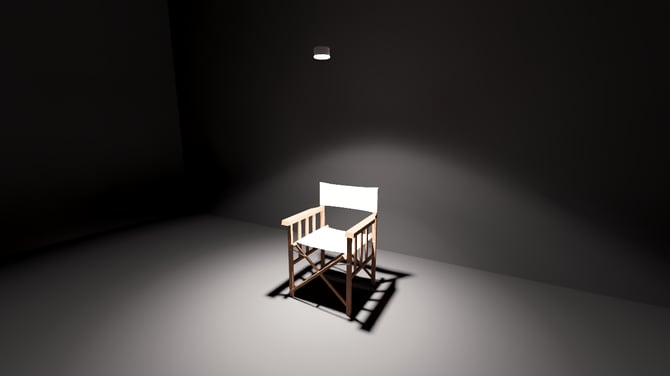
3. Compared to an OmniLight (Light Source not enabled):
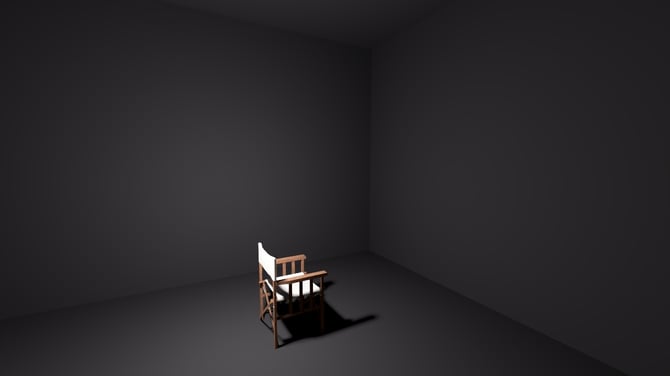
4. The same surface facing a wall as a backlit surface:
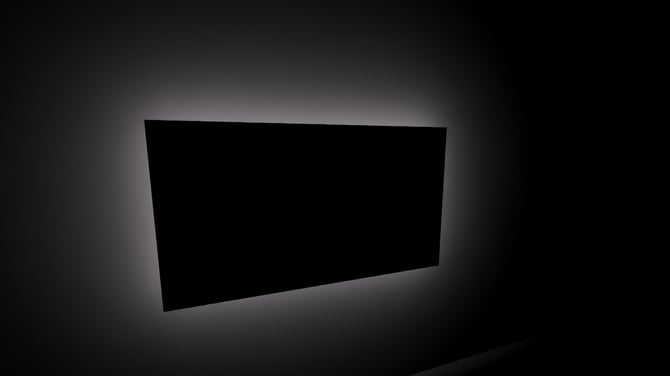
5. The same surface facing a wall as a backlit surface.
Better with more Samples.
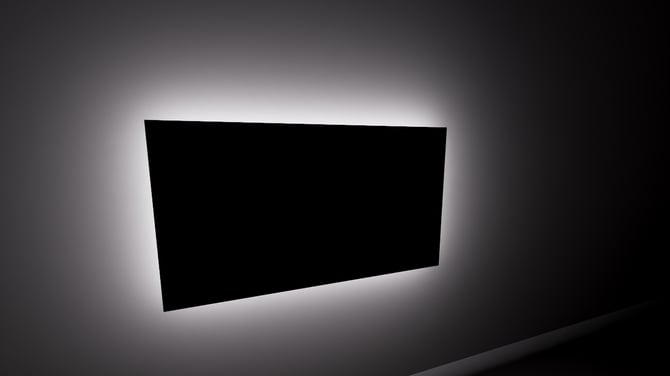
6. The Emissive Material with more Samples.
The Ray Tracing adds more lit pixels for the Scene as more samples are associated with each pixel and the single same light source.
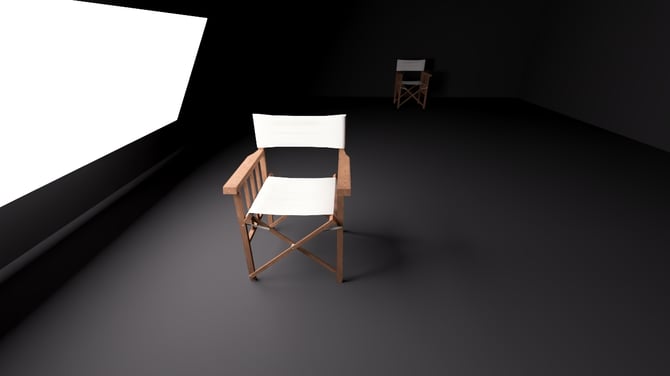
7. Glow for an Emissive material is possible.
The Emissive Material, same Samples as in 6 but now controlling features of the Camera via the Lens Flare Effect.
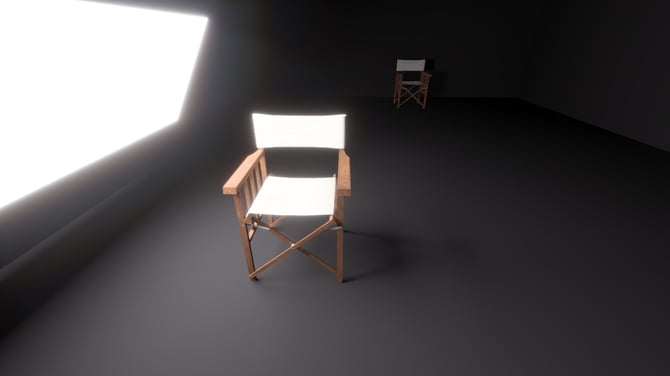
7b. Compared to the Default Lens Flare:
The auto-default one used in Build Mode and also in Output Modes when the Lens Flare Effect is not included in the Effects Stack.
7c. Using the Bloom Effect for Bloom that is also part of the Lens Flare Effect.
The Lens Flare Effect allows you to control which bright pixels are made brighter for glow through the Bloom Amount, Master Brightness, and Isolate Bright Pixels slider values.