Menu:
2. What are the Models that have been Changed/Replaced?
3. Deprecated Models now for Legacy:
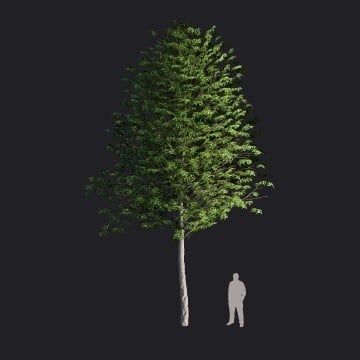
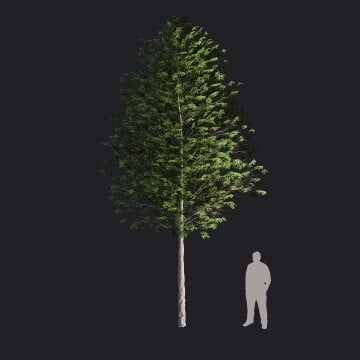
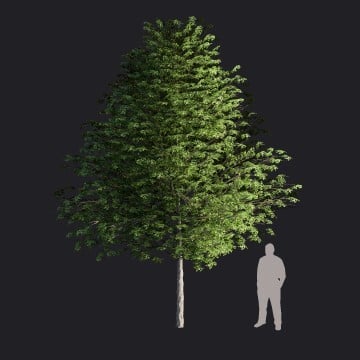
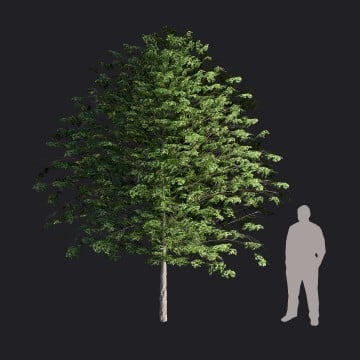
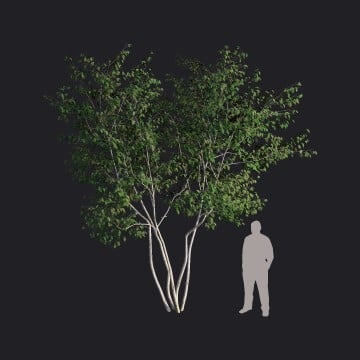
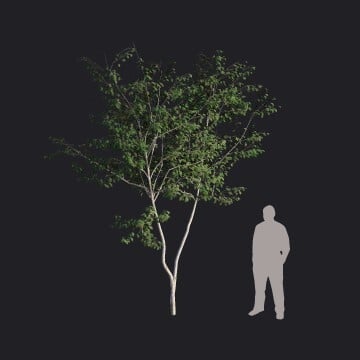
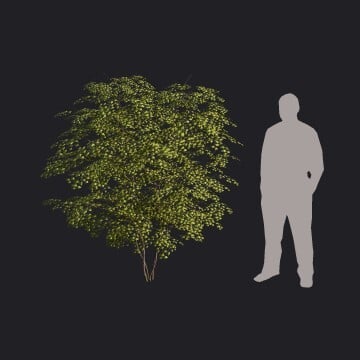
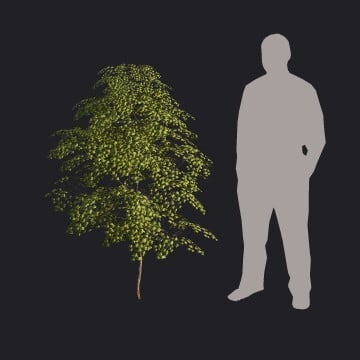
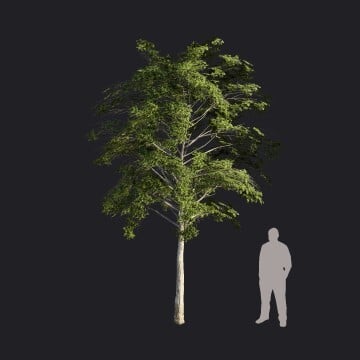
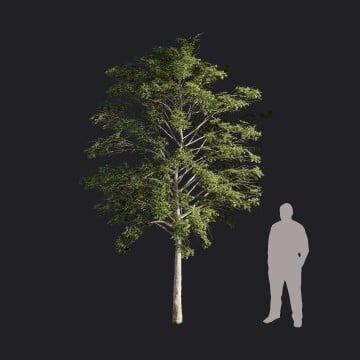
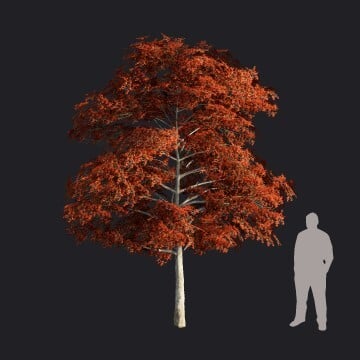
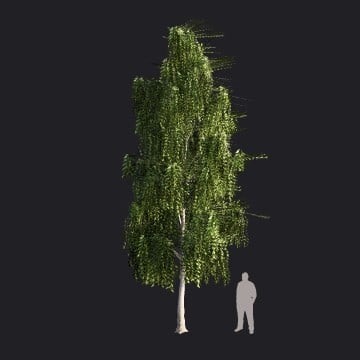
3.3: Models Deprecated and Removed from the Library
1. Overview:
|
The Content Team has been reviewing all content in the Library in response to your feedback and suggestions over the past year, as outlined in the Roadmap: Project Phoenix.
This review also sought feedback from a large number of customers, direct and group feedback with different types of usage requirements so it is expected to strongly move the usefulness, quality, and modernization forward for your visualization Projects. |
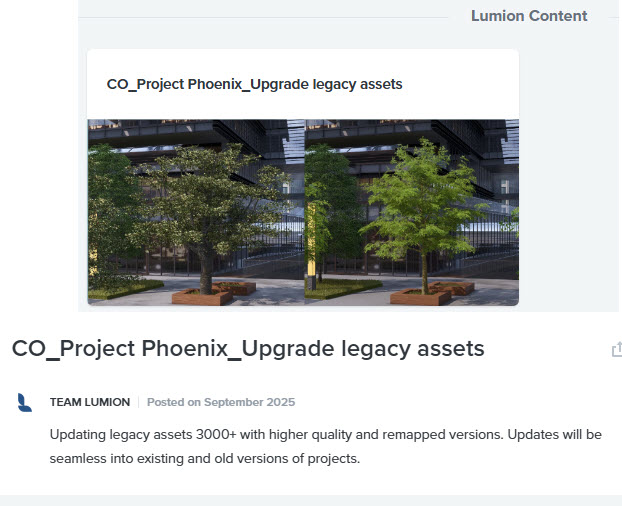 |
As part of Project Phoenix, a number of Library assets have been updated with higher quality content. This provides more modern assets and improved quality for your visualizations.
The initial phase of Project Phoenix was introduced in Lumion 2026.0 and focused primarily on Nature Objects (Trees and Plants), with older assets being replaced by more modern, higher fidelity models.
For more information about the Lumion 2026.0 release, see this article:
- Knowledge Base: Lumion 2026 Release Notes
Additional updates were introduced in Lumion 2026.1, including refreshed Objects, Nature assets, and Materials as part of the ongoing improvement of the Library.
For more information about the Lumion 2026.1 release, see this article:
- Knowledge Base: Lumion 2026.1 Release Notes
For a complete list of all the changes, see Section 2.2: Library Asset Updates.
2. What are the Models that have been Changed/Replaced?
2.1: Updated and Renamed
As part of the Library revision, some models were renamed. See table below.
For example, in Lumion 2025.2.2 AmericanElm2_L_RT
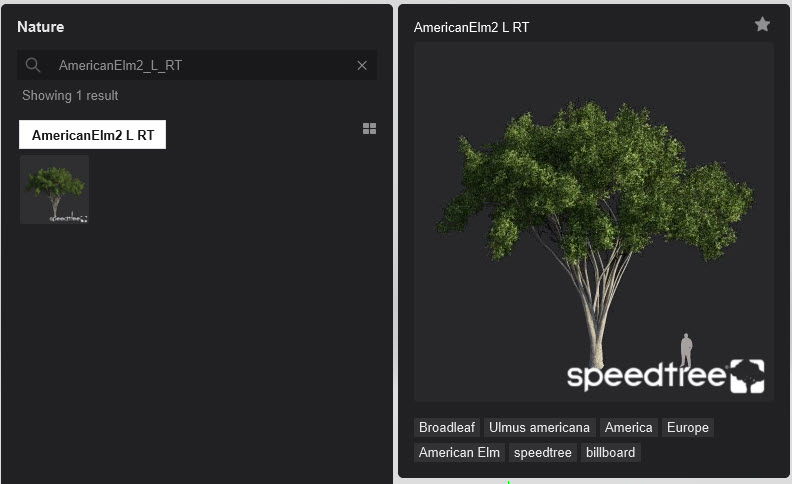
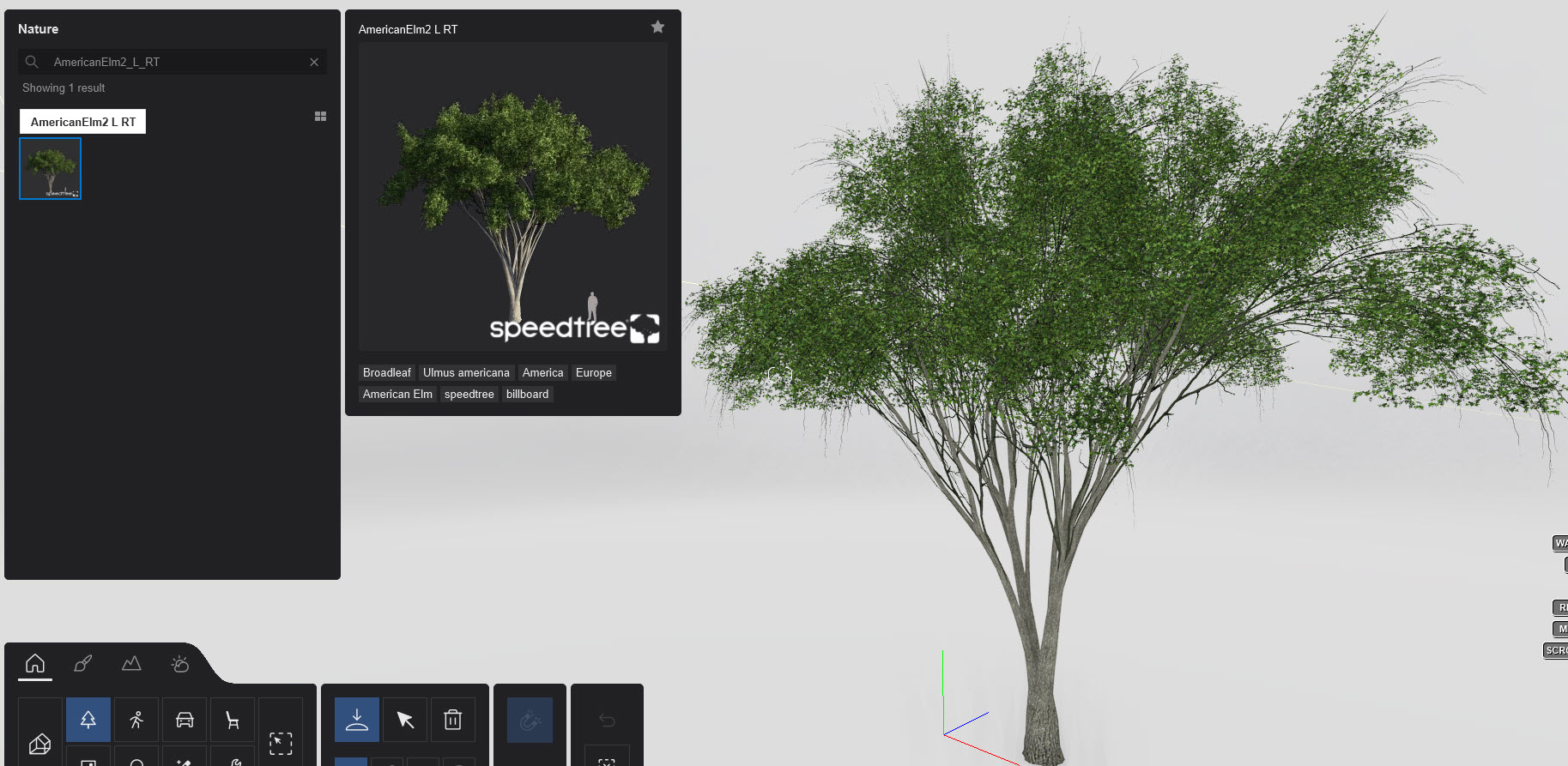
In Lumion 2026.0 and newer, the remodeled model with the revised model name: American_Elm_004:
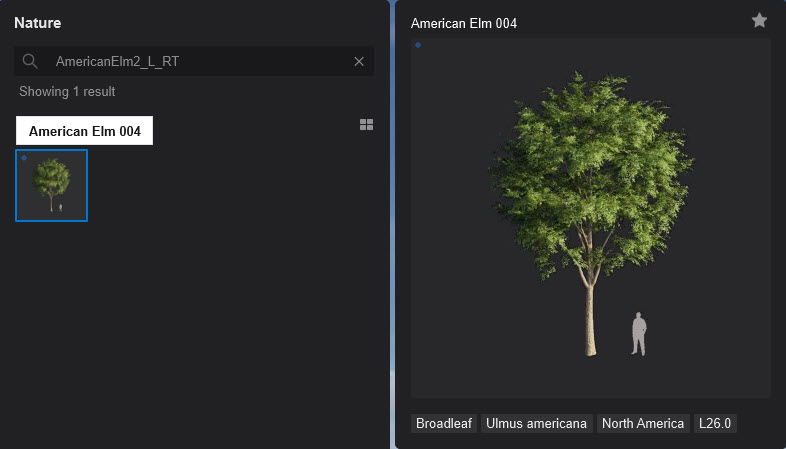
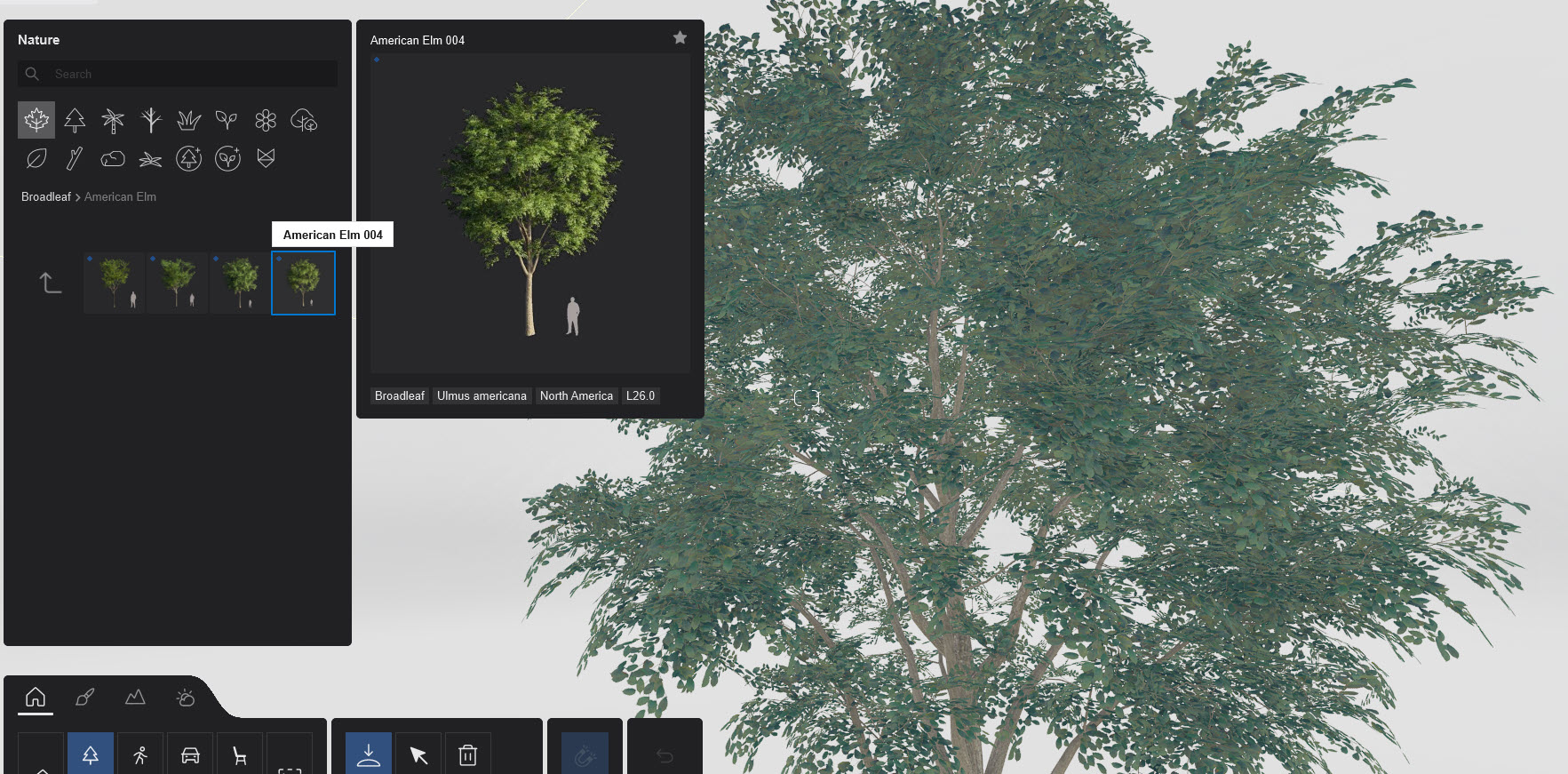
Even though the model name has changed, Lumion will recognize that name from an older Project and replace it with the new model automatically.
Note if you notice one that has a Red Question mark, then first check to see if it is in the table below and also that it is not a Legacy model. If it should be valid, then please contact us:
- Knowledge Base: Contact Lumion Technical Support
2.2: Library Content Updates:
The following sections provide a list of the Library content updated as part of Project Phoenix. Updates are grouped by Lumion version and include Objects, Nature assets, and Materials that have been remodeled, renamed, or newly added to the Library.
This update focuses heavily on Garden & Backyard Objects, Nature content (primarily flowers), and Materials ranging from mosaic tiles to plastics as part of the ongoing modernization of the Library.
Objects category
- Objects: 94 models updated, 1 new model added, and 7 models removed*.
* The removed items were individual color variations of the same model. With the update, the base model is now colorizable, making separate color variations obsolete.
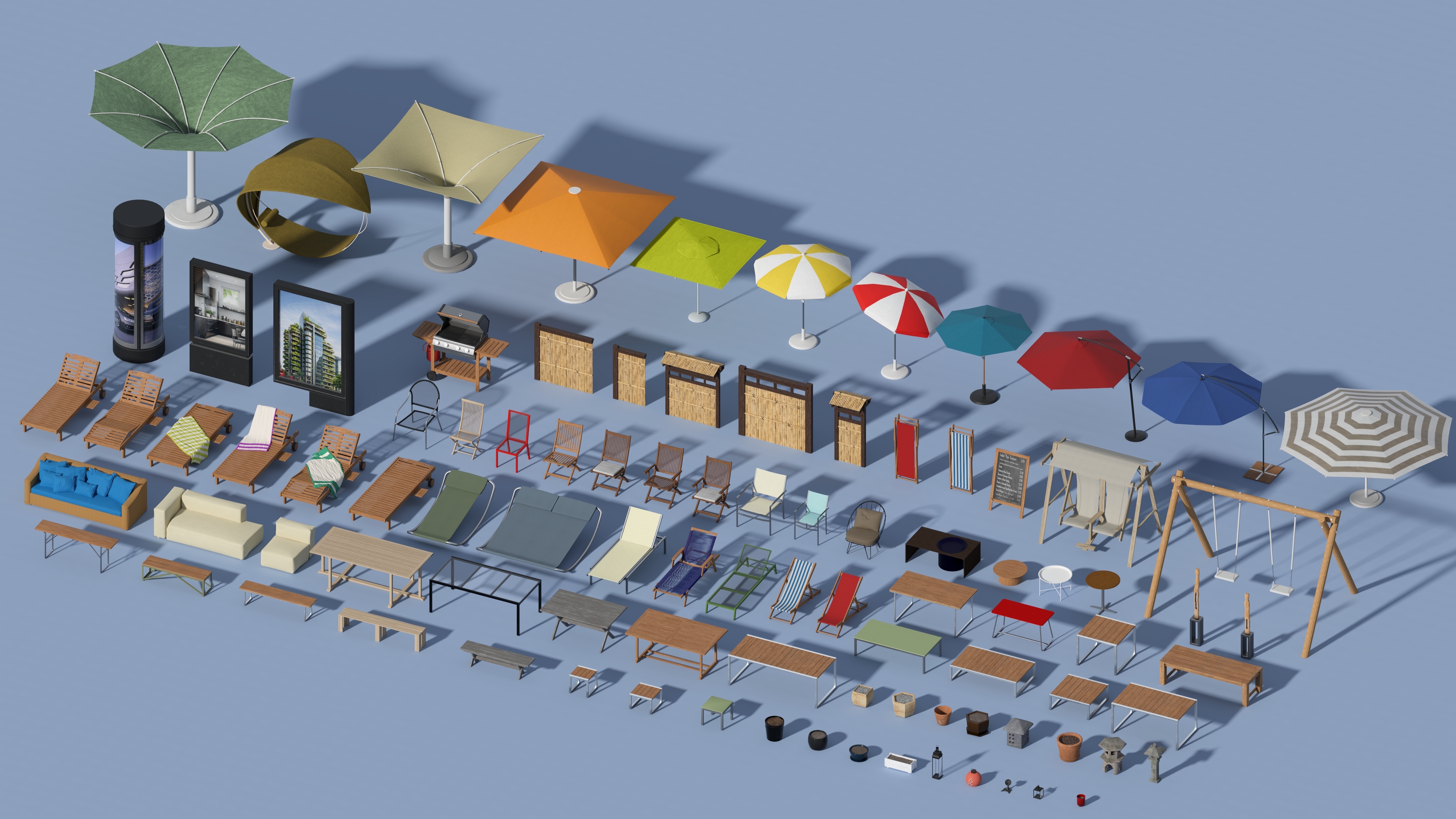
New:
-
JapaneseFence_005
Updated:
Model Names |
||
|
Barbecue 001 |
GardenSet 013 Table |
Parasol 001 |
|
DeckChair 001 |
GardenSet 016 Bench |
Parasol 002 |
|
DeckChair 002 |
GardenSet 016 Table |
Parasol 003 |
|
DeckChair 003 |
GardenSet 017 Chair |
Parasol 004 |
|
DeckChair 004 |
GardenSet 017 DeckChair |
Parasol 005 |
|
DeckChair 005 |
GardenSet 017 Table |
Parasol 006 |
|
DeckChair 006 |
GardenSet 022 Chair |
Parasol 007 |
|
DeckChair 007 |
GardenSet 022 Table |
Parasol 008 |
|
DeckChair 008 |
GardenSet 024 Table |
PlantPot 001 |
|
DeckChair 009 |
GardenSet 025 Armchair 01 |
PlantPot 002 |
|
DeckChair 010 |
GardenSet 027 Bench |
PlantPot 003 |
|
DeckChair 011 |
GardenSet 027 Chair |
PlantPot 004 |
|
DeckChair 018 |
GardenSet 027 Table |
PlantPot 005 |
|
DeckChair 019 |
GardenSet 029 Sofa |
PlantPot 006 |
|
DeckChair 023 |
GardenStatue 003 |
PlantPot 026 |
|
GardenBench 001 |
GardenStatue 004 |
PlantPot 032 |
|
GardenBench 002 |
GardenStatue 005 |
PlantPot 038 |
|
GardenBench 003 |
GardenTable 001 |
Plantpot 043 |
|
GardenChair 001 |
GardenTable 002 |
Statuette 001 |
|
GardenChair 002 |
GardenTable 003 |
Statuette 002 |
|
GardenChair 003 |
GardenTable 004 |
StreetAdStand 001 |
|
GardenChair 004 |
GardenTable 005 |
StreetAdStand 002 |
|
GardenChair 005 |
GardenTable 006 |
StreetAdStand 003 |
|
GardenChair 006 |
GardenTable 007 |
StreetChalkboard 002 |
|
GardenChair 007 |
GardenTable 011 |
Swings 002 |
|
GardenChair 008 |
GardenTable 015 |
Swings 004 |
|
GardenLamp 001 |
Hammock 001 |
|
|
GardenSet 007 Table |
JapaneseFence 001 |
|
|
GardenSet 009 Parasol |
JapaneseFence 002 |
|
|
GardenSet 011 Parasol |
JapaneseFence 003 |
|
|
GardenSet 011 Table |
JapaneseFence 004 |
|
|
GardenSet 012 Sofa 02 |
Lantern 001 |
|
|
GardenSet 012 Sofa 03 |
Lantern 002 |
|
|
GardenSet 013 Bench |
Lantern 003 |
|
Removed
- GardenChair 003
- GardenChair 004
- GardenChair 007
- GardenChair 008
- Parasol 002
- Parasol 003
- Parasol 006
Nature Category
-
Nature: 40 models updated, and 5 new models added.
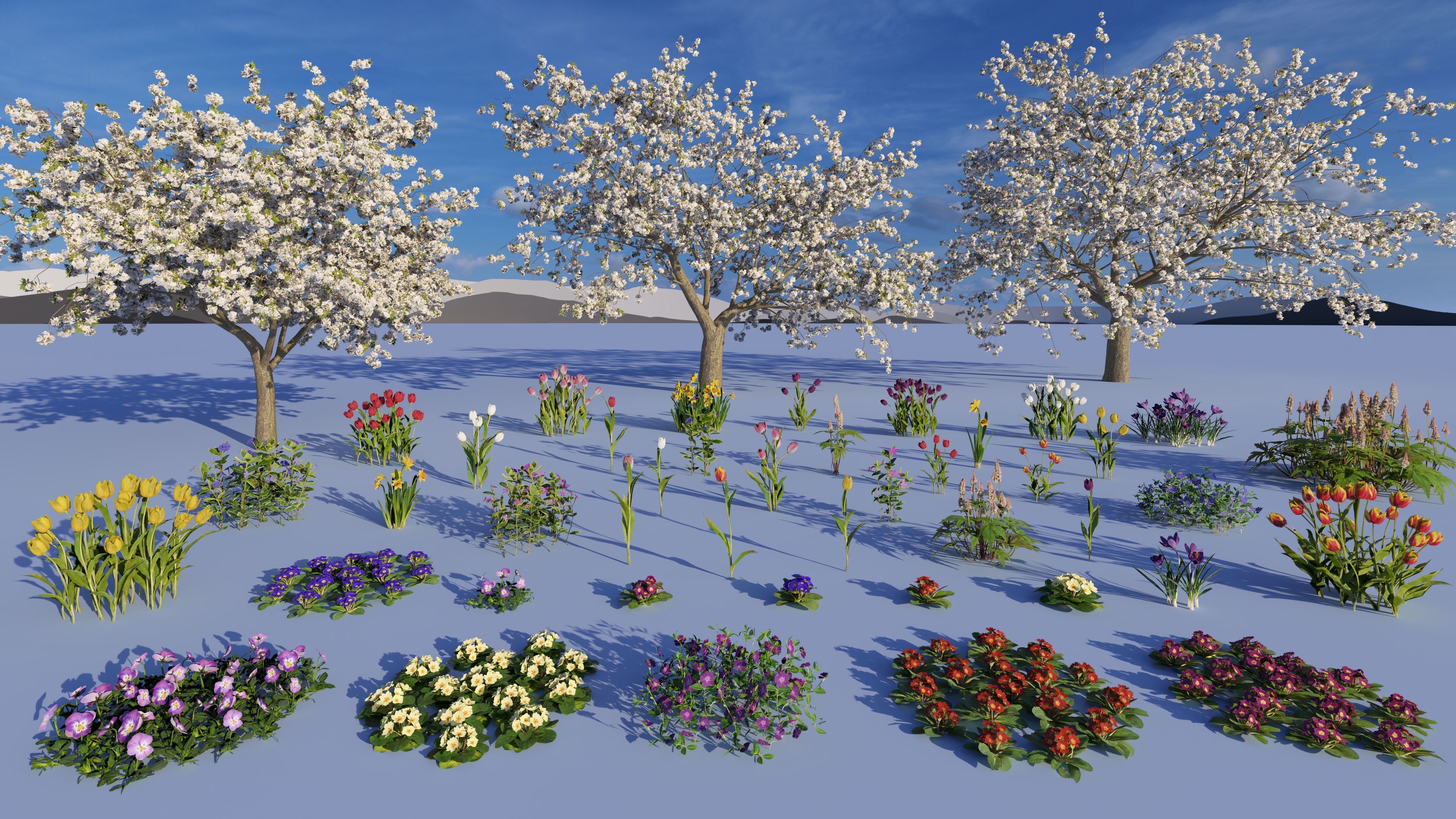
New
- Daffodil_001
- Tulip_Pink_002
- Tulip_Purple_002
- Tulip_Red_Yellow_002
- Tulip_White_002
Updated
Old Model/Name |
New Replacement Name |
|
CherryTree_RT_Blossoms3 |
Wild_Cherry_Blossom_001 |
|
CherryTree_RT_Blossoms |
Wild_Cherry_Blossom_002 |
|
CherryTree_RT_Blossoms2 |
Wild_Cherry_Blossom_003 |
|
Bigleaf_Periwinkle_Purple_Single |
Bigleaf_Periwinkle_Purple_001 |
|
Bigleaf_Periwinkle_Purple_Grouped |
Bigleaf_Periwinkle_Purple_002 |
|
Bigleaf_Periwinkle_Pink_Single |
Bigleaf_Periwinkle_Pink_001 |
|
Bigleaf_Periwinkle_Pink_Grouped |
Bigleaf_Periwinkle_Pink_002 |
|
Flower_Decoration_003_x1 |
Crocus_Purple_001 |
|
Flower_Decoration_003 |
Crocus_Purple_002 |
|
Flower_Decoration_005_x1 |
Daffodil_002 |
|
Flower_Decoration_005 |
Daffodil_003 |
|
Foamflower_03 |
Foamflower_001 |
|
Foamflower_02 |
Foamflower_002 |
|
Foamflower_01 |
Foamflower_003 |
|
Periwinkle_Blue_01 |
Periwinkle_Blue_001 |
|
Periwinkle_Purple_01 |
Periwinkle_Purple_001 |
|
Flower_Decoration_013_x1 |
Primrose_Blue_001 |
|
Flower_Decoration_013 |
Primrose_Blue_002 |
|
Flower_Decoration_016_x1 |
Primrose_Purple_001 |
|
Flower_Decoration_016 |
Primrose_Purple_002 |
|
Flower_Decoration_012_x1 |
Primrose_Red_001 |
|
Flower_Decoration_012 |
Primrose_Red_002 |
|
Flower_Decoration_019_x1 |
Primrose_Yellow_001 |
|
Flower_Decoration_019 |
Primrose_Yellow_002 |
|
Tulip_Pink_Single |
Tulip_Pink_001 |
|
Tulip_Pink_Grouped |
Tulip_Pink_003 |
|
Tulip_Purple_Single |
Tulip_Purple_001 |
|
Tulip_Purple_Grouped |
Tulip_Purple_003 |
|
Tulip_Red_Single |
Tulip_Red_001 |
|
Flower_Decoration_006_x1 |
Tulip_Red_002 |
|
Tulip_Red_Grouped |
Tulip_Red_003 |
|
Tulip_RedYellow_Single |
Tulip_Red_Yellow_001 |
|
Tulip_RedYellow_Grouped |
Tulip_Red_Yellow_003 |
|
Tulip_White_Single |
Tulip_White_001 |
|
Tulip_White_Grouped |
Tulip_White_003 |
|
Tulip_Yellow_Single |
Tulip_Yellow_001 |
|
Flower_Decoration_007_x1 |
Tulip_Yellow_002 |
|
Tulip_Yellow_Grouped |
Tulip_Yellow_003 |
|
Flower_Decoration_010_x1 |
Viola_001 |
|
Flower_Decoration_010 |
Viola_002 |
Material Category
- Materials: 40 materials updated.
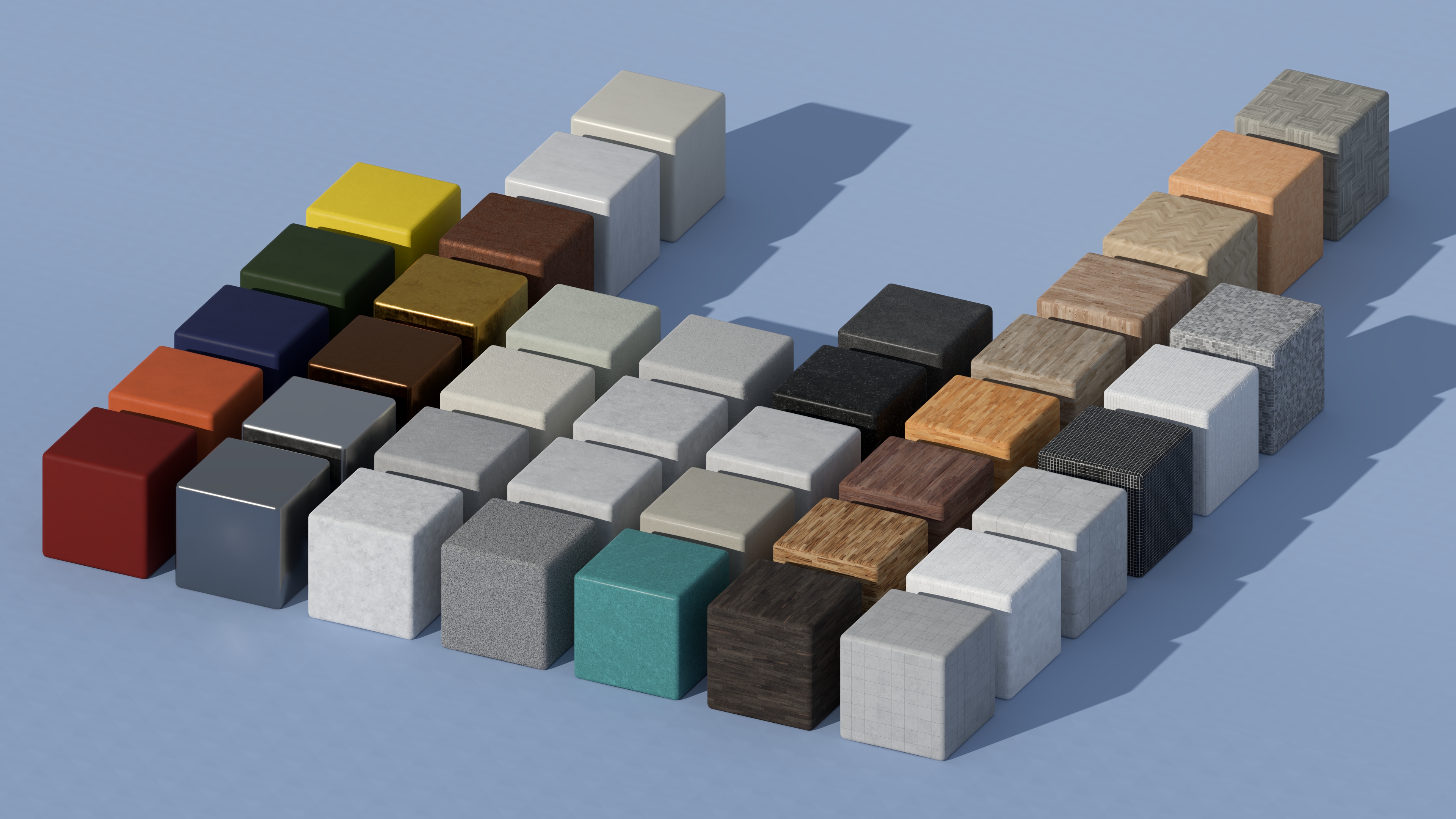
Updated
Material Names |
|
|
Aluminium aged 001 |
Plastic 001 |
|
Bronze aged 001 |
Plastic 002 |
|
Concrete 002 |
Plastic 003 |
|
Concrete 016 |
Plastic 004 |
|
Concrete 017 |
Plastic 005 |
|
Gold aged 001 |
Tiles 035 |
|
Iron aged 002 |
Tiles 044 |
|
Linoleum 001 |
Tiles 092 |
|
Linoleum 002 |
Tiles mosaic 007 |
|
Linoleum 003 |
Tiles mosaic 011 |
|
Linoleum 004 |
Tiles mosaic 012 |
|
Linoleum 005 |
Wood floor 001 |
|
Metal lines 001 |
Wood floor 002 |
|
Metal painted 005 |
Wood floor 003 |
|
Metal painted 022 |
Wood floor 004 |
|
Plaster 003 |
Wood floor 036 |
|
Plaster 013 |
Wood floor 051 |
|
Plaster 014 |
Wood floor herringbone 014 |
|
Plaster 038 |
Wood floor herringbone 029 |
|
Plaster wall 001 |
Wood floor mosaic 005 |
This update focused primarily on Nature Objects (Trees and Plants), replacing older assets with more modern, higher fidelity models.
-
Upgraded Models: 96 Nature models were upgraded and replaced with higher-quality versions.
-
Deprecated Models: 37 Nature models were removed in favor of upgraded replacements.
All prior version _Legacy models were also removed from the installation. See Section 3: Deprecated Models now for Legacy.
Old Model/Name |
New Replacement Name |
| AmericanElm2_L_RT | American_Elm_004 |
| AmericanElm2_L2_RT | American_Elm_003 |
| AmericanElm2_M_RT | American_Elm_002 |
| AmericanElm2_M2_RT | American_Elm_001 |
| Colorado_Blue_Spruce_RT | Colorado_Blue_Spruce_004 |
| CommonLinden_L_RT | Common_Linden_004 |
| CommonLinden_M_RT | Common_Linden_003 |
| CommonLinden_M2_RT | Common_Linden_002 |
| CommonLinden_S_RT | Common_Linden_001 |
| EuropeanLinden_Fall_RT | Common_Linden_005 |
| EuropeanLinden_RT | Common_Linden_006 |
| DouglasFir_RT | Douglas_Fir_004 |
| EasternWhitePine_RT | Eastern_White_Pine_006 |
| English_Oak-L_RT | English_Oak_004 |
| English_Oak-M_RT | English_Oak_003 |
| English_Oak-S_RT | English_Oak_002 |
| English_Oak-S1_RT | English_Oak_001 |
| European_Ash_Large | European_Ash_006 |
| European_Ash_Large_v2 | European_Ash_005 |
| European_Ash_Medium | European_Ash_004 |
| European_Ash_Medium_v2 | European_Ash_003 |
| European_Ash_small | European_Ash_002 |
| European_Ash_small_v2 | European_Ash_001 |
| EuropeanAspen_L | European_Aspen_006 |
| EuropeanAspen_L2 | European_Aspen_005 |
| EuropeanAspen_M | European_Aspen_004 |
| EuropeanAspen_M2 | European_Aspen_003 |
| EuropeanAspen_S | European_Aspen_002 |
| EuropeanAspen_S2 | European_Aspen_001 |
| EuropeanBeech-M_HQ | European_Beech_008 (1) |
| EuropeanBeech-M2_HQ | European_Beech_007 |
| EuropeanBeech-M3_HQ | European_Beech_006 |
| EuropeanBeech-M4_HQ | European_Beech_005 |
| EuropeanBeech-S_HQ | European_Beech_004 |
| FieldMaple-L_HQ | Field_Maple_006 |
| FieldMaple-L2_HQ | Field_Maple_005 |
| FieldMaple-L3_HQ | Field_Maple_004 |
| FieldMaple-L4_HQ | Field_Maple_003 |
| FieldMaple-S_HQ | Field_Maple_002 |
| FieldMaple-S2_HQ | Field_Maple_001 |
| Globe_Cherry_01 | Globe_Cherry_001 |
| Globe_Cherry_02 | Globe_Cherry_002 |
| Globe_Cherry_03 | Globe_Cherry_003 |
| ItalianCypress_RT | Italian_Cypress_003 |
| LondonPlane_L | London_Plane_013 (1) |
| LondonPlane_L2 | London_Plane_012 |
| LondonPlane_M | London_Plane_011 |
| LondonPlane_M2 | London_Plane_010 |
| LondonPlane_S | London_Plane_009 |
| LondonPlane_S2 | London_Plane_008 |
| Longleaf_Pine_RT | Longleaf_Pine_004 |
| Longleaf_Pine_Snow_RT | Longleaf_Pine_003 |
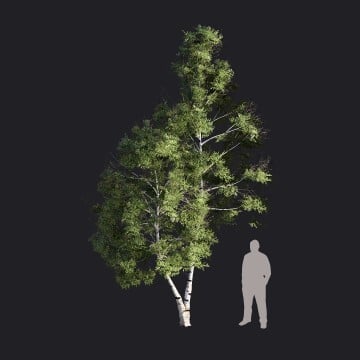
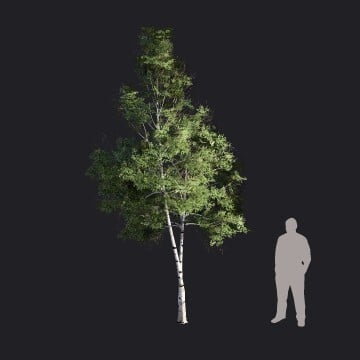
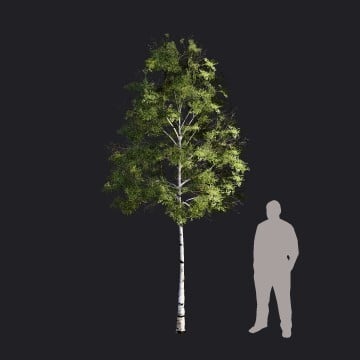
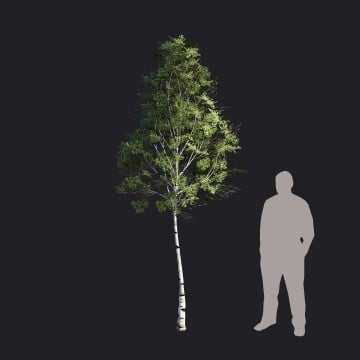
| WhiteBirch-L_RT | White_Birch_006 |
| WhiteBirch-L2_RT | White_Birch_005 |
| WhiteBirch-L3_RT | White_Birch_004 |
| WhiteBirch-L4_RT | White_Birch_003 |
| WhiteBirch-M_RT | White_Birch_002 |
| WhiteBirch-M2_RT | White_Birch_001 |
| RedMaple2_L_RT | Red_Maple_006 |
| RedMaple2_L2_RT | Red_Maple_005 |
| RedMaple2_LFall_RT | Red_Maple_004 |
| RedMaple2_M_RT | Red_Maple_003 |
| RedMaple2_M2_RT | Red_Maple_002 |
| RedMaple2_MFall_RT | Red_Maple_001 |
| ScotsPine-L_RT | Scots_Pine_012 (1) |
| ScotsPine-L1_RT | Scots_Pine_011 |
| ScotsPine-M_RT | Scots_Pine_010 |
| ScotsPine-M1_RT | Scots_Pine_009 |
| ScotsPine-S_RT | Scots_Pine_008 |
| ScotsPine-S1_RT | Scots_Pine_007 |
| SilverBirch_L1-RT | Silver_Birch_005 |
| SilverBirch_L2-RT | Silver_Birch_006 |
| SilverBirch_M1-RT | Silver_Birch_003 |
| SilverBirch_M2-RT | Silver_Birch_004 |
| SilverBirch_S1-RT | Silver_Birch_001 |
| SilverBirch_S2-RT | Silver_Birch_002 |
| SilverBirch_XL1-RT | Silver_Birch_007 |
| SilverBirch_XL2-RT | Silver_Birch_008 |
| SilverMaple_L_RT | Silver_Maple_006 |
| SilverMaple_L2_RT | Silver_Maple_005 |
| SilverMaple_LFall_RT | Silver_Maple_004 |
| SilverMaple_M_RT | Silver_Maple_003 |
| SilverMaple_M2_RT | Silver_Maple_002 |
| SilverMaple_MFall_RT | Silver_Maple_001 |
| CherryTree_RT | Sweet_Cherry_003 |
| CherryTree2_RT | Sweet_Cherry_002 |
| CherryTree3_RT | Sweet_Cherry_001 |
| Sweetgum_L | SweetGum_008 (1) |
| Sweetgum_M | SweetGum_007 |
| Sweetgum_S | SweetGum_006 |
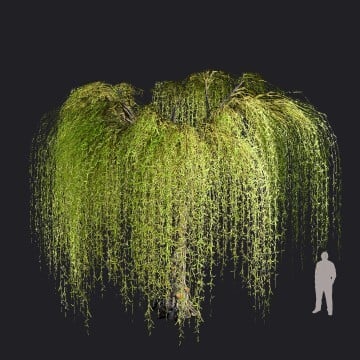
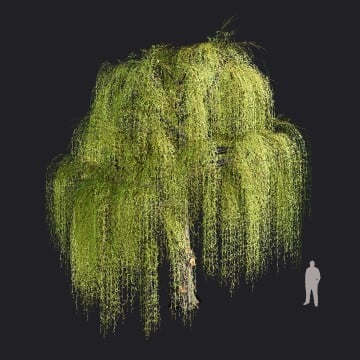
| WeepingWillow1_RT | Weeping_Willow_001 |
| WeepingWillow1var1_RT | Weeping_Willow_002 |
| WeepingWillow1var2_RT | Weeping_Willow_003 |
| WeepingWillow1var3_RT | Weeping_Willow_004 |
| White_Fir_RT | White_Fir_005 |
| White_Fir_Snow_RT | White_Fir_004 |
(1) Note for this model's renaming: not beginning 001 due to existing Fine-Detail Nature.
3. Deprecated Models now for Legacy:
3.1: About the Change
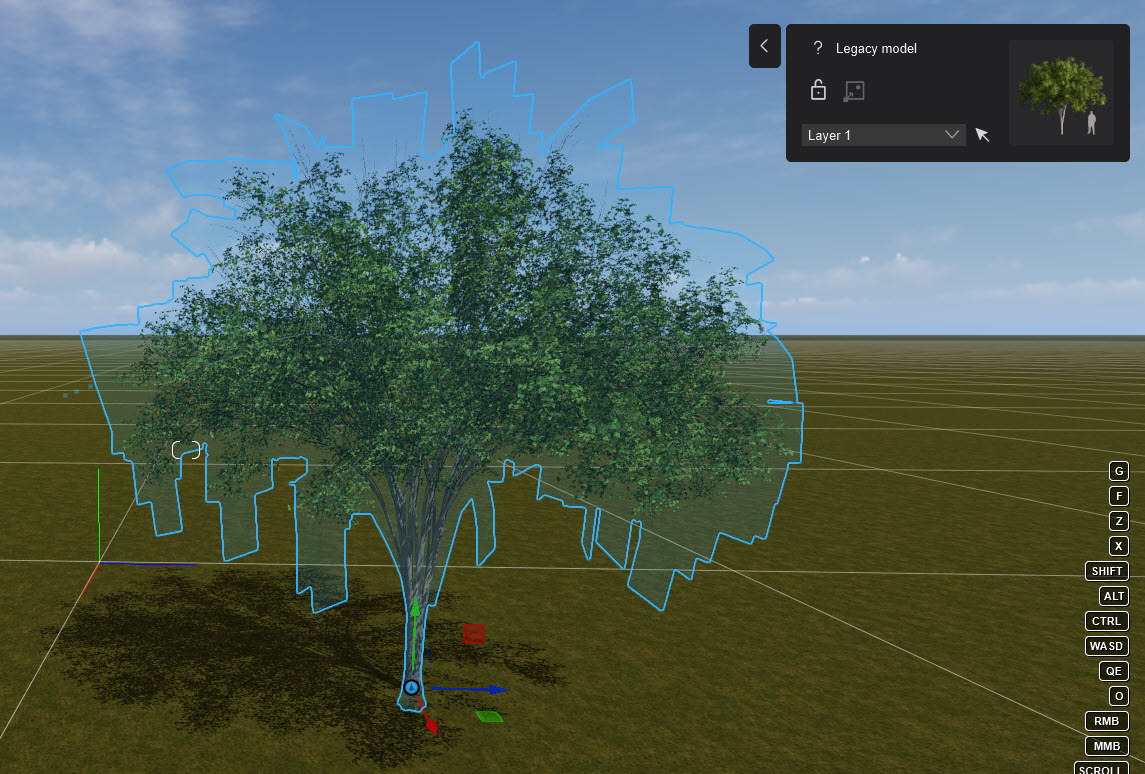
You might get the following message in Lumion 2026.0.1 and newer when opening a Project file:
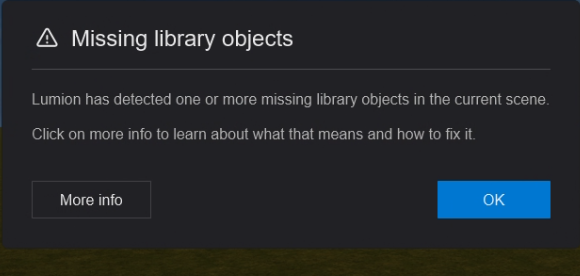
For a missing Lumion Library Object:- two possible reasons:
3.1.1: If the model is an Imported Model that is missing (rare), then see:
- Knowledge Base: Why are there red questionmarks in a Project?
3.1.2: If the model is a Lumion Library Object, then see the following sections.
The models in the table (below) have been removed from the Lumion Library. Also, some _legacy folders are no longer installed.
Missing Library Objects are shown as a Red Questionmark.
If you have used any of the models in a project prior to the version where the Object is made a Legacy Object, then a Red Questionmark will show.
You can avoid that and show the old model by downloading and saving the old deprecated legacy model files to the Lumion Library folders.
For example:
The question marks display the name of the assets missing.
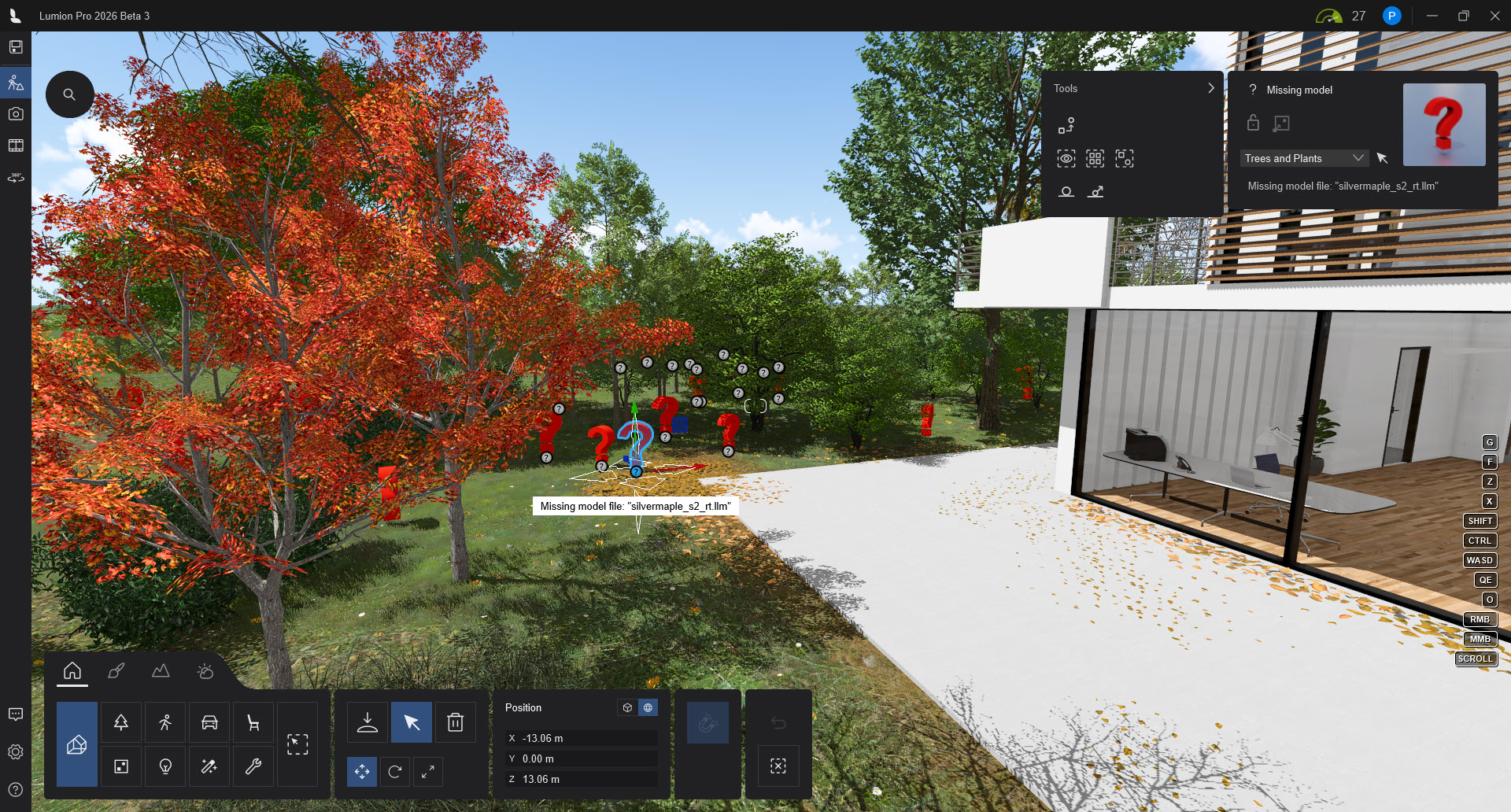
Those models are available for download from the link in the following table, or as a complete set of Legacy files
-
or, Option 2 or Option 3 in Section Option: One Step, easiest - download all models at once.
The assets can be downloaded and then placed in the special Legacy folder: (once that has been created)
Model files will usually consist of: 3 files:
-
An LLM (the model file with model and materials).
-
An LLM.INN (thumbnail and information file).
-
LLM.JPG (for thumbnail).
Note: Important:
The files are provided with the sole intent that your Scene still has the model and can render as they did before.
Item functionality however will not be restored at this time. (Though this may change in a future update of Lumion). These models are not available in the Object Library for Nature models.
3.2: Download Instructions
Your extract/unzip options will depend on the Unzip software tool you use.
Quick Step downloading All files:
1. Download all Legacy models (Zip file: 874MB, extracted 245 files, 2.30GB) in this link: Combined Old Legacy and New 26 Legacy.
2. Extract to a folder, then move the Project folder and subfolders/files to:
[install drive][Lumion 2026 install location]\ArchitectEdition\
3.2.1: Option 1: Download a single model for those Deprecated for Lumion 2026
1. Make sure Lumion is closed.
2. Click on the Zipped File link in the following table to download a Zipped copy.
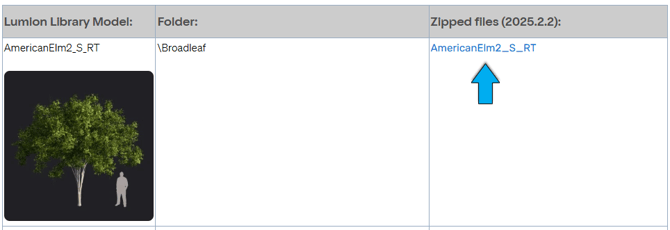
3. The _legacy folder is not automatically created for Lumion 2026.0. You need to create that folder yourself under \Trees:
[install drive][Lumion 2026 install location]\ArchitectEdition\Project\Trees\
4. Unzip and extract the model files (3) to a folder in Downloads. Then move the files to the _legacy folder.
3.2.2: Option 2: Download all models at once for those Deprecated for Lumion 2026 only
1. Close Lumion.
2. Download and unzip this complete set of models now Legacy for 2026 in this link: Legacy 2026 Model files Only.
File size to download: 440MB Extracted file Size: 1.44GB.
3. Extract the zip file to a folder in Downloads, then Move or Cut/Paste the folders/files to the _legacy folder:
[install drive][Lumion 2026 install location]\ArchitectEdition\Project\Trees\_legacy\
Example: C:\Program Files\Lumion 2026\ArchitectEdition\Project\Trees\_legacy\
See Note on _legacy folder: for 3.2.1.
3.2.3: Option 3: Download all models at once for All Deprecated Models:
The _legacy folder for those models deprecated in earlier versions has also been removed. Mostly Trees, some People and Animals, some Transport.
If you have older than 2025 Projects that might include one or more of the models, then download the complete _legacy folders, as follows.
1. Close Lumion.
2. Download all old previous Legacy models and the new ones for 2026 in this link: Combined Old Legacy and New 26 Legacy.
Zip file: 874MB, extracted 245 files, 2.30GB
3. Extract the zip file to a folder, in your Downloads or Desktop (has suitable permissions).
The unzipped main folder will be named Projects: With subfolders for the Nature, Transport and People and Animals models. For example:
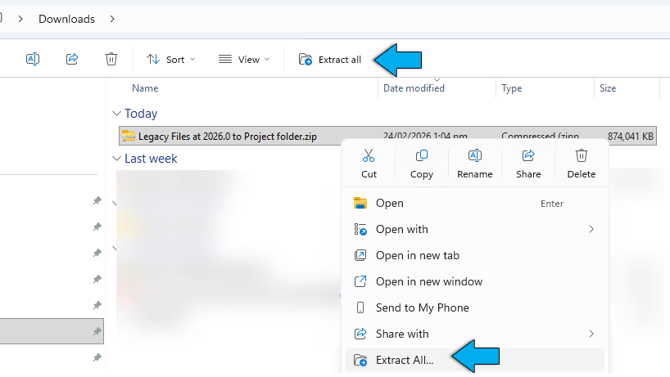
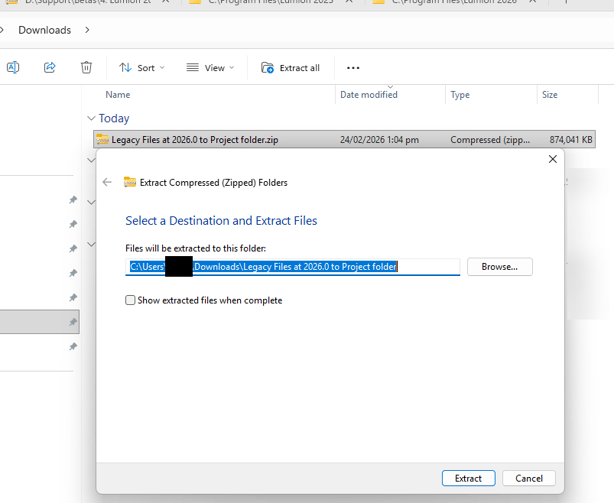
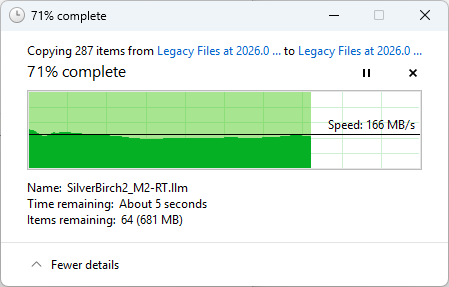
You should have a subfolder Project:
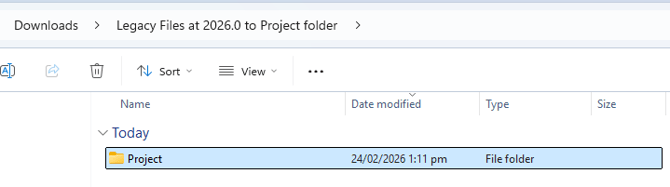
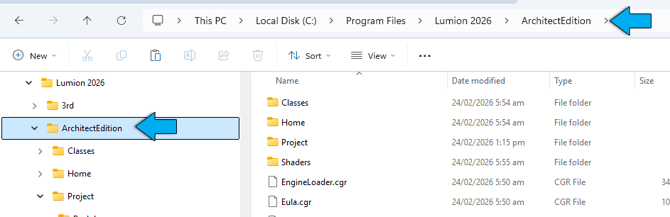
Then Move or Cut/Paste the Projects folder to the [install drive][Lumion 2026 install location]\ArchitectEdition\ folder.
Example: C:\Program Files\Lumion 2026\ArchitectEdition\
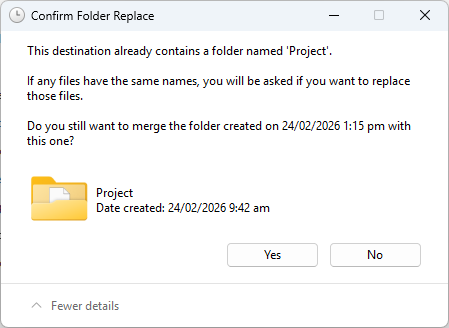
Click Continue for Permissions:
After Moving/pasting:
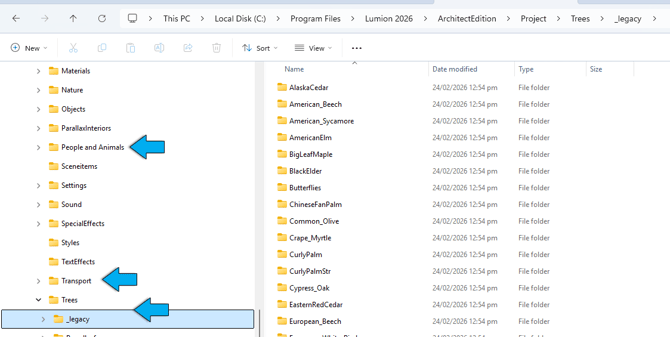
4. Open Lumion and one of your Projects using the Legacy models. They should show
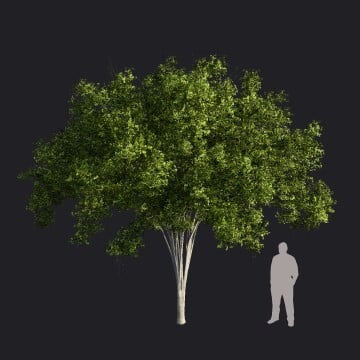
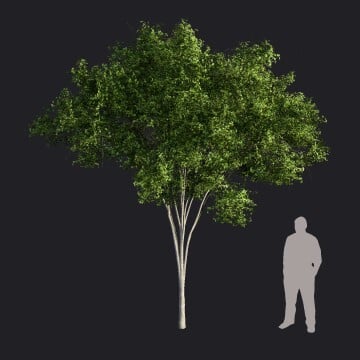
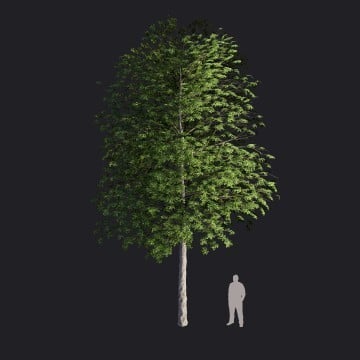
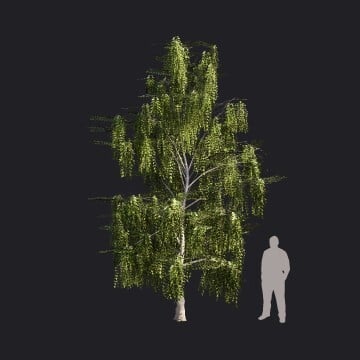
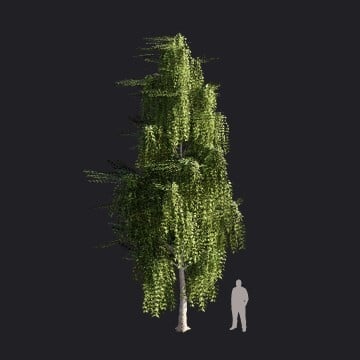
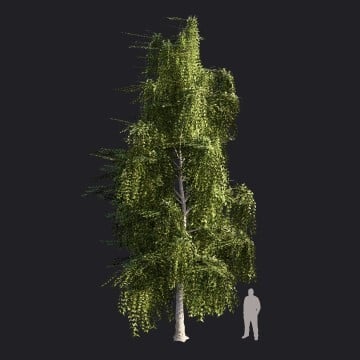
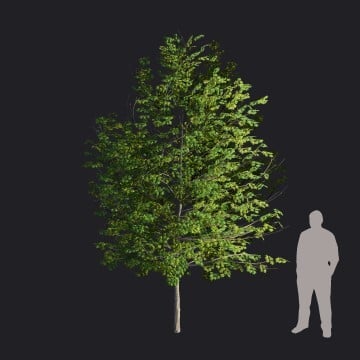
3.3: Models Deprecated and Removed from the Library:
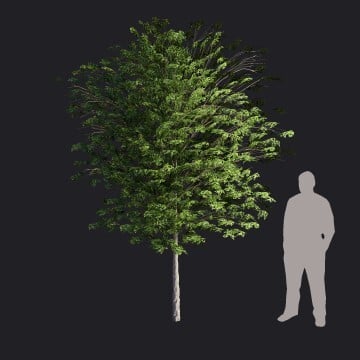
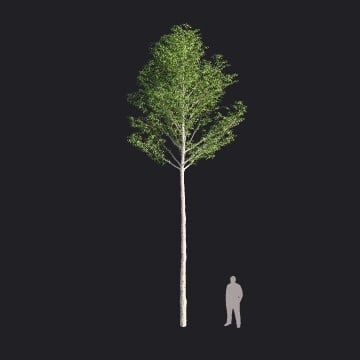
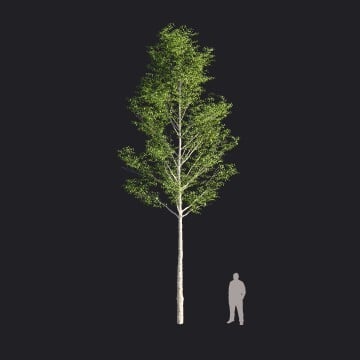
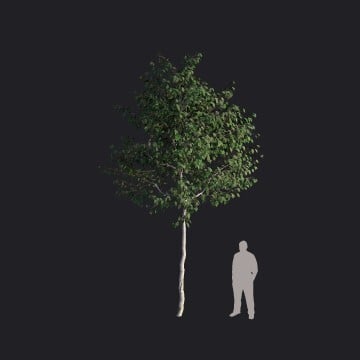
Lumion Library Model: |
Folder: |
Zipped files (2025.2.2): |
_Legacy folder |
|
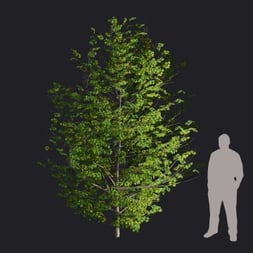
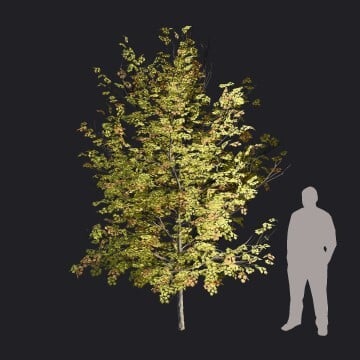
AmericanElm2_S_RT
|
\Trees\Broadleaf\AmericanElm2_RT | AmericanElm2_S_RT | AmericanElm2_S_RT |
|
AmericanElm2_S2_RT
|
\Trees\Broadleaf\AmericanElm2_RT | AmericanElm2_S2_RT | AmericanElm2_S2_RT |
|
EuropeanLinden2-L_RT
|
\Trees\Broadleaf\EuropeanLinden2_RT | EuropeanLinden2-L_RT | EuropeanLinden2-L_RT |
|
EuropeanLinden2-L2_RT
|
\Trees\Broadleaf\EuropeanLinden2_RT | EuropeanLinden2-L2_RT |
EuropeanLinden2-L2_RT |
|
EuropeanLinden2-M_RT
|
\Trees\Broadleaf\EuropeanLinden2_RT | EuropeanLinden2-M_RT | EuropeanLinden2-M_RT |
|
EuropeanLinden2-M2_RT
|
\Trees\Broadleaf\EuropeanLinden2_RT | EuropeanLinden2-M2_RT | EuropeanLinden2-M2_RT |
|
EuropeanLinden2-S_RT
|
\Trees\Broadleaf\EuropeanLinden2_RT | EuropeanLinden2-S_RT | EuropeanLinden2-S_RT |
|
EuropeanLinden2-S2_RT
|
\Trees\Broadleaf\EuropeanLinden2_RT | EuropeanLinden2-S2_RT |
EuropeanLinden2-S2_RT |
|
EuropeanAspen_XL
|
\Trees\Broadleaf\EuropeanAspen | EuropeanAspen_XL | EuropeanAspen_XL |
|
EuropeanAspen_XL2
|
\Trees\Broadleaf\EuropeanAspen | EuropeanAspen_XL2 | EuropeanAspen_XL2 |
|
EuropeanBeech-S2_HQ
|
\Trees\Broadleaf\EuropeanBeechHQ | EuropeanBeech-S2_HQ | EuropeanBeech-S2_HQ |
|
EuropeanBeech-S3_HQ
|
\Trees\Broadleaf\EuropeanBeechHQ | EuropeanBeech-S3_HQ | EuropeanBeech-S3_HQ |
|
EuropeanBeech-S4_HQ
|
\Trees\Broadleaf\EuropeanBeechHQ | EuropeanBeech-S4_HQ | EuropeanBeech-S4_HQ |
|
FieldMaple-S3_HQ
|
\Trees\Broadleaf\FieldMapleHQ | FieldMaple-S3_HQ | FieldMaple-S3_HQ |
|
FieldMaple-S4_HQ
|
\Trees\Broadleaf\FieldMapleHQ | FieldMaple-S4_HQ | FieldMaple-S4_HQ |
|
WhiteBirch-M3_RT
|
\Trees\Broadleaf\WhiteBirch_RT | WhiteBirch-M3_RT | WhiteBirch-M3_RT |
|
WhiteBirch-S_RT
|
\Trees\Broadleaf\WhiteBirch_RT | WhiteBirch-S_RT | WhiteBirch-S_RT |
|
WhiteBirch-S2_RT
|
\Trees\Broadleaf\WhiteBirch_RT | WhiteBirch-S2_RT | WhiteBirch-S2_RT |
|
WhiteBirch-S3_RT
|
\Trees\Broadleaf\WhiteBirch_RT | WhiteBirch-S3_RT | WhiteBirch-S3_RT |
|
RedMaple2_S_RT
|
\Trees\Broadleaf\RedMaple2_RT | RedMaple2_S_RT | RedMaple2_S_RT |
|
RedMaple2_S2_RT
|
\Trees\Broadleaf\RedMaple2_RT | RedMaple2_S2_RT | RedMaple2_S2_RT |
|
RedMaple2_SFall_RT
|
\Trees\Broadleaf\RedMaple2_RT | RedMaple2_SFall_RT | RedMaple2_SFall_RT |
|
SilverBirch2_L1-RT
|
\Trees\Broadleaf\SilverBirch2 | SilverBirch2_L1-RT | SilverBirch2_L1-RT |
|
SilverBirch2_L2-RT
|
\Trees\Broadleaf\SilverBirch2 | SilverBirch2_L2-RT | SilverBirch2_L2-RT |
|
SilverBirch2_M1-RT
|
\Trees\Broadleaf\SilverBirch2 | SilverBirch2_M1-RT | SilverBirch2_M1-RT |
|
SilverBirch2_M2-RT
|
\Trees\Broadleaf\SilverBirch2 | SilverBirch2_M2-RT | SilverBirch2_M2-RT |
|
SilverBirch2_S1.RT
|
\Trees\Broadleaf\SilverBirch2 | SilverBirch2_S1.RT | SilverBirch2_S1.RT |
|
SilverBirch2_S2.RT
|
\Trees\Broadleaf\SilverBirch2 | SilverBirch2_S2.RT | SilverBirch2_S2.RT |
|
SilverBirch2_XL1-RT
|
\Trees\Broadleaf\SilverBirch2 | SilverBirch2_XL1-RT | SilverBirch2_XL1-RT |
|
SilverBirch2_XL2-RT
|
\Trees\Broadleaf\SilverBirch2 | SilverBirch2_XL2-RT | SilverBirch2_XL2-RT |
|
SilverMaple_S1_RT
|
\Trees\Broadleaf\SilverMaple_RT |
SilverMaple_S1_RT | SilverMaple_S1_RT |
|
SilverMaple_S2_RT
|
\Trees\Broadleaf\SilverMaple_RT |
SilverMaple_S2_RT |
SilverMaple_S2_RT
|
|
SilverMaple_SFall_RT
|
\Trees\Broadleaf\SilverMaple_RT | SilverMaple_SFall_RT | SilverMaple_SFall_RT |
|
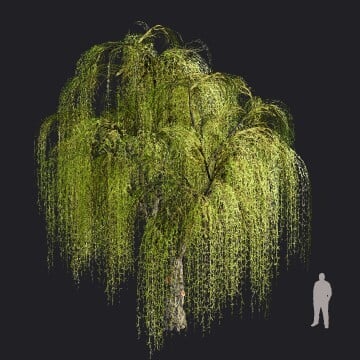
WeepingWillow2_RT
|
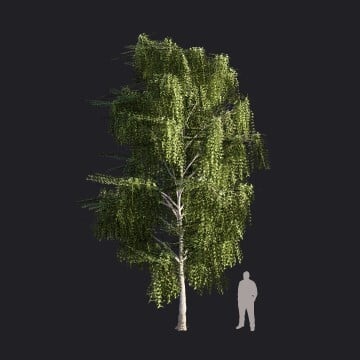
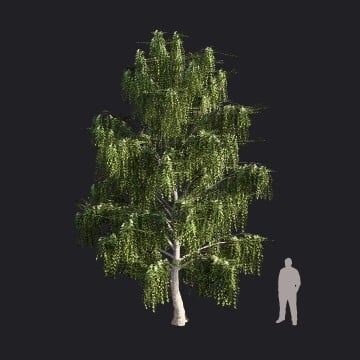
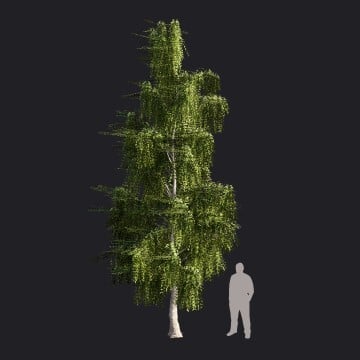
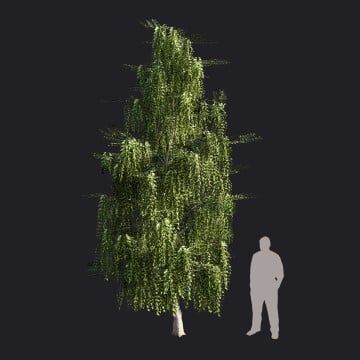
\Trees\Broadleaf\Weeping_Willow2 | WeepingWillow2_RT | WeepingWillow2_RT |
|
WeepingWillow2var1_RT
|
\Trees\Broadleaf\Weeping_Willow2 | WeepingWillow2var1_RT | WeepingWillow2var1_RT |
|
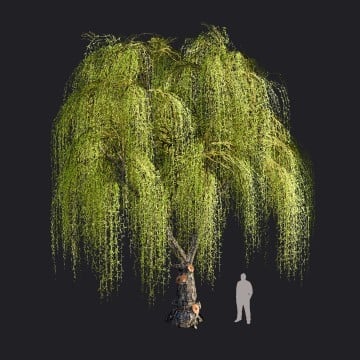
WeepingWillow2var2_RT
|
\Trees\Broadleaf\Weeping_Willow2 | WeepingWillow2var2_RT | WeepingWillow2var2_RT |
|
WeepingWillow2var3_RT
|
\Trees\Broadleaf\Weeping_Willow2 | WeepingWillow2var3_RT | WeepingWillow2var3_RT |
4. Need Help with the Steps?
Please contact us if you need any help with downloading and adding the files to the correct _Legacy folder for the Library:
- Knowledge Base: Contact Lumion Technical Support